Not necessarily. A branded USB-C cable may charge a laptop yet fail to carry its picture to a monitor. For a desk-ready employee gift, approve the exact cable model and length against the intended laptop, dock and display—not the connector shape or a wattage printed on the packaging.
This matters for software teams assembling remote-work welcome kits: a useful spare charging lead is not automatically a replacement for the cable supplied with an employee’s monitor.
Charging is not a video specification
Apple gives a concrete example in its Thunderbolt 3 cable guidance: its 0.8 m Thunderbolt 3 cable supports video, while the 2 m USB-C Charge Cable discussed on that page transfers data at USB 2.0 speeds and does not support video. Those are specific Apple models, not specifications for every cable with similar-looking ends.
The USB Implementers Forum’s cable guidance likewise says certified cables have different capabilities, and certification does not add capabilities to the devices connected to them. Treat power, data and display support as separate questions. A high power rating alone is not proof of monitor compatibility.
For an ordinary direct USB-C display connection, the laptop port must support an appropriate video path and the cable must support it too. Plugable explains DisplayPort Alternate Mode and full-featured USB-C cables, as well as display transport over Thunderbolt and USB4. A Thunderbolt dock, a USB-C monitor and a USB-C-to-HDMI adapter are not interchangeable purchase briefs. Have IT specify the actual connection chain.
Choose the job before the logo
- Phone charging giveaway: evaluate compatibility with the intended phones and power sources. Do not promise laptop-display use if it has not been documented.
- Spare laptop charging lead: ask IT to confirm the required power capability and compatible charger. Keep the description limited to the supported job; charging does not establish video support.
- Hot-desk or remote-work monitor lead: require written display compatibility for the exact setup, then validate a sample. If the supplier only says “fast charging,” leave the product out of this role.
- Mixed, unknown employee hardware: offer a different gift or let employees choose from clearly described options. A generic “works with USB-C” claim is not an adequate selection rule.
That last choice belongs in your company-store product curation: a smaller range with honest use cases is easier to choose from than several visually similar cables with missing specifications.
Copy this cable approval card into the quote request
Complete one card per SKU and length. “Unknown” means the monitor-use claim is not approved—not necessarily that the cable is defective.
- Identity: manufacturer, exact part number, length, connector at each end and supplier specification link. Do not accept a photo of a similar cable as the specification.
- Intended setup: laptop model and port, dock or adapter model if used, monitor model, and required resolution and refresh rate. Record whether one or multiple screens are expected.
- Separate capabilities: supported charging power, stated data rate and explicit display support. Ask the supplier to identify which documented capability meets the setup above.
- Evidence: manufacturer documentation and any claimed certification for this exact part. Keep required technical markings visible in the decoration proof; a company logo must not replace them.
- Sample acceptance: IT checks the intended display mode, reconnects the setup and checks waking from sleep. If a dock is involved, test the expected keyboard, storage or other peripherals at the same time. Record results and the equipment used; a pass covers that tested setup, not every employee’s computer.
- Order controls: destination countries, confirmed availability, approved decoration location, quote-needed pricing and a rule that a different cable or length needs reapproval. Retain the approved specification with the order.
Send the decoration supplier the right logo files after the technical selection is settled. Ask for a proof showing both the branding and any existing capability markings.
Worked example: two offers, different jobs
Illustrative scenario—not a product test or live quote: a software company wants welcome-kit cables for an IT-standardized laptop and USB-C monitor. Offer A documents charging and USB 2.0 data but no display support. Offer B identifies an exact cable and length, documents the intended video connection, and can be sampled.
The decision is to reject A for the monitor role, not to call it a bad charging cable. B proceeds to the sample check; it is not approved just because its sheet mentions video. If B fails the actual desk setup, keep the manufacturer-supplied monitor cable and choose a different welcome gift. Do not turn an unresolved compatibility question into an employee support problem.
For the wider kit, use the employee onboarding swag guide. For this item, the release rule is simpler: name the job, document the connection, verify a sample, then brand it.
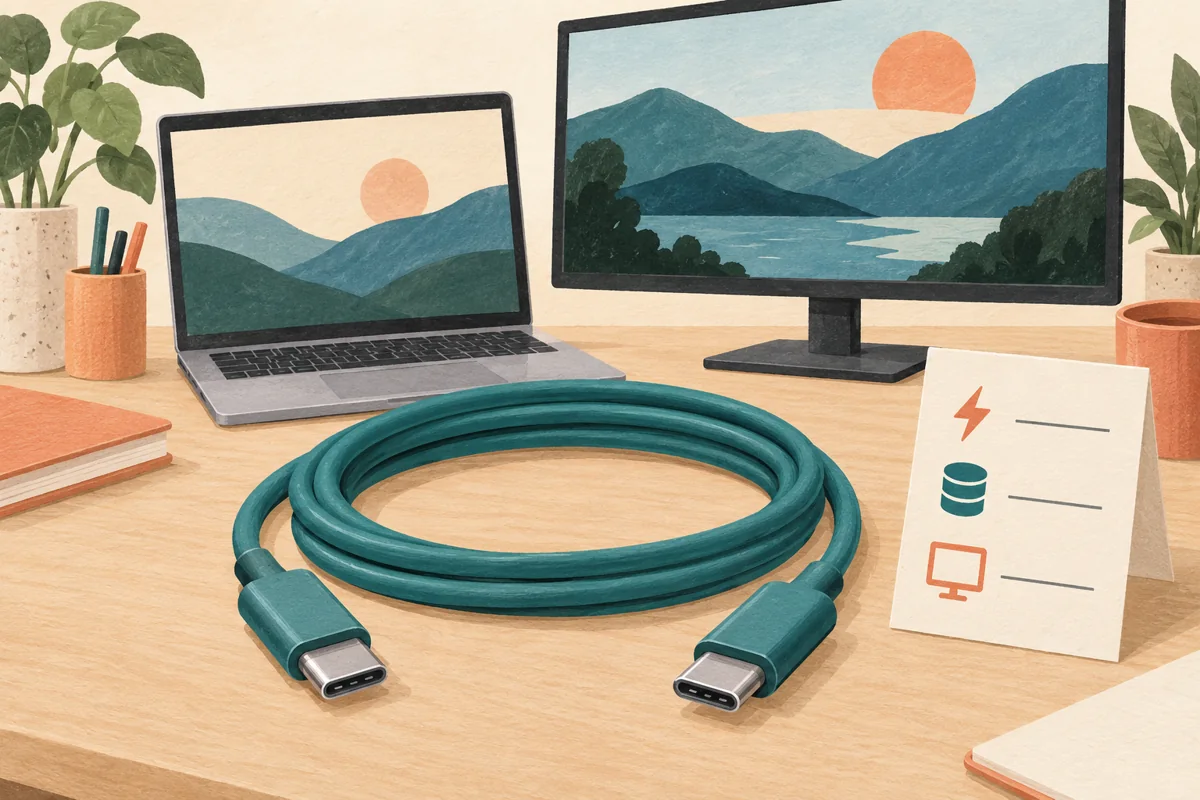
Editorial illustration is AI-generated and does not depict a tested or stocked cable. Manufacturer guidance checked October 2, 2026.