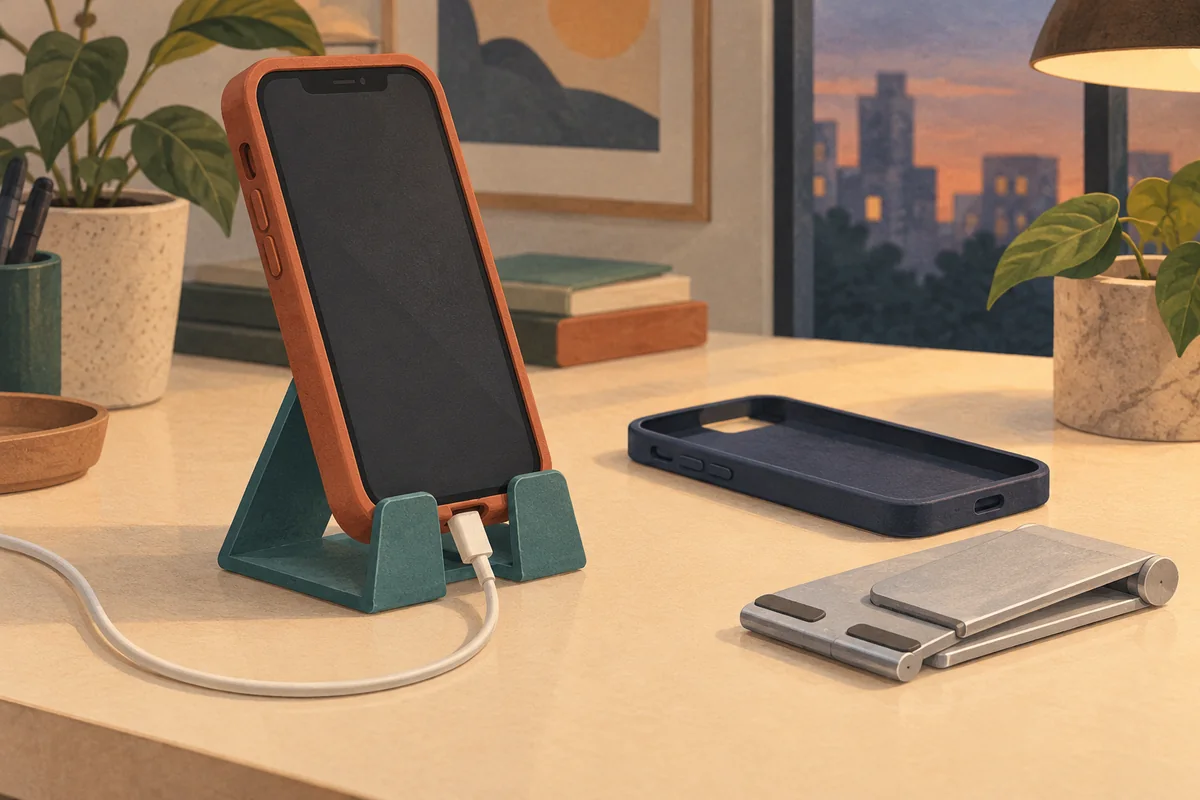
Choose a branded desk phone stand around the phone with its case on, not around the screen size alone. For an employee welcome kit, the useful question is whether someone can set down their everyday phone, connect their usual cable and use the screen without rearranging the stand.
A cradle that holds a bare demonstration phone may not accommodate a thick case, a rear wallet or the cable connector your team actually uses. A short hands-on check can separate a useful desk accessory from one that asks recipients to remove their protection every morning.
Two dimensions the compatibility headline can hide
Lamicall’s adjustable aluminum stand, for example, lists a 4–8-inch smartphone range alongside a 14 mm maximum thickness and advises landscape use for larger phones. Those are different conditions: being within the screen-size range does not remove the thickness limit or the orientation guidance.
Ask the supplier for the usable depth of the cradle, including any padding, and the maximum supported thickness. Measure the assembled phone and case where it sits in that cradle. Then look separately at the back: a wallet, grip or camera bump may change how the phone rests against the support even when the lower edge fits.
Illustrative screening decision: an assembled phone and case measuring 16 mm at the supported edge is outside a stated 14 mm maximum. Do not approve it because the phone’s screen size appears in the compatibility list. Choose a deeper cradle or offer another gift; do not assume the retaining lip will flex safely.
A charging opening is not a charger
The UGREEN 80903 stand’s regional product page describes access to the charging port and use in portrait or landscape. That kind of opening provides a route for a cable; it is not evidence that a stand supplies power.
For a passive stand, verify two clearances with the actual cable plugged in: space for the connector body immediately below the phone, and space for the cable to curve away without lifting the device or being pinched. A notch visible in a catalog photo does not settle either question. Repeat the check after adjusting the stand to the angle the employee will use.
If you intend to buy a stand with wireless charging instead, treat charging compatibility as another requirement. Our phone-case and wireless-charger guide covers that separate decision.
Run one realistic desk trial before approving decoration
For a mixed-device team, borrow a few representative setups: an ordinary case, the thickest case you intend to support and a larger phone. Include a rear attachment if employees are expected to leave it installed. This is a proposed buyer check, not a laboratory protocol or a test Brand Sauce has performed.
- Seat the phone without forcing it. Keep the case on. Check that the lower edge sits securely behind the retaining lips and the back has a supported resting position.
- Do the intended screen task. Open a normal app, swipe and tap while the stand sits on the planned desk surface. Reject a setup that repeatedly slides, rocks or needs a second hand just to remain upright.
- Try each required orientation. Portrait messaging and landscape video are separate checks. Follow the model’s instructions; do not generalize one successful orientation to the other.
- Connect the actual cable. Confirm the connector seats fully, the phone remains supported and the cable has a free route. Verify charging on the phone if charging while seated is a requirement.
- Review the decorated proof in use. Place the phone in front of the proposed logo area. Decide whether visibility with the phone installed matters, and confirm decoration stays off hinges, grip pads and contact surfaces unless specifically approved by the supplier.
Copy this into the sample request
Desk phone stand acceptance brief
Phone models and cases to support: ______
Rear wallet or grip stays attached: yes / no / not applicable
Required orientation: portrait / landscape / both
Supplier’s maximum supported thickness: ______
Actual assembled thickness at cradle: ______
Cable and connector to check: ______
Required task and desk surface: ______
Sample result: secure seating / usable screen / cable clearance
Logo visibility required with phone installed: yes / no
Approved model, configuration and reviewer: ______
If only one case fails, record the exception instead of labeling the stand universally compatible. For an optional gift, a different item may be more useful than asking that recipient to change cases. Keep that choice within your company-store assortment rather than adding several nearly identical stands with unexplained fit differences.
The manufacturer examples above illustrate specifications to request, not a verified Brand Sauce product shortlist. Decorated model availability, destination-country supply, minimum quantity and delivered pricing remain quote-needed. Approve the exact supplied model; a similar-looking substitution needs the relevant fit checks repeated.
Manufacturer pages checked October 10, 2026. Hero artwork is an AI-generated editorial illustration, not a product photograph or a recorded test.