A coffee-scale gift should keep the weight visible through the recipient’s brewing routine—not merely offer a timer button. Before ordering for a coffee workshop or employee gift selection, check what stops automatic shut-off, whether that setting must be enabled, and what happens when the timer is paused.
A phone timer does not necessarily keep a separate scale awake. Nor does a cup sitting on the platform necessarily count as activity. Those details belong in the sample approval, especially if an instructor pauses between steps.
Check the operating mode, not just the feature list
Two current manufacturer examples show why the exact wording matters. HARIO USA’s V60 Drip Scale Black page, identifying model VSTN-2000B, specifies power-off after five minutes of inactivity and says the timer overrides it. OXO’s 6-lb Precision Scale With Timer page says its automatic shut-off can be disabled while using the timer. Neither description justifies assuming that every scale with a timer stays awake in every mode.
For the proposed model, obtain the current instructions and identify the actual start, pause, reset and shut-off controls. If the product page does not explain whether a paused timer preserves the weight display, ask for that detail and verify it on the sample. Do not write an instruction card from another model’s manual.
These are manufacturer feature examples, not a verified Brand Sauce catalog shortlist or a claim that we tested either scale. Confirm the exact gift SKU, decoration permission, destination-country availability and included power supplies before offering it; branded-order pricing remains quote-needed.
Choose for one of three routines
- Weigh beans, then put the scale away: automatic shut-off may be perfectly acceptable. Buy for the needed measurement range, readable display and straightforward controls; a brewing timer may add little to this routine.
- Keep the brewer on the scale while pouring: require a documented way to maintain the display throughout the intended brew. Check that the user can start the timer and see both readings with the server in place.
- Pause for instruction during a group workshop: approve the scale against the class script, including quiet gaps. Use the documented stay-awake setting or adjust the demonstration so each independent weighing starts deliberately. A longer timer range alone does not answer this question.
This is a workflow choice, not a recommendation to disable battery-saving features permanently. Include the maker’s shutdown instructions so the gift can be put away correctly afterward.
A pause rehearsal before ordering
Use this proposed acceptance check with a sample; it is not a laboratory accuracy test. Start with a dry, room-temperature setup and a stable object within the model’s rated load. There is no need to brew hot coffee to check the display’s power behavior.
- Write the routine first. Record the longest planned gap between actions and whether the recipient uses the scale’s timer or a separate timer.
- Check the ordinary weighing mode. Following the manual, observe what happens during the planned gap. Distinguish a dimmed backlight from a lost weight reading or full power-off.
- Repeat with the intended timer setting. Start or enable the documented mode exactly as the handoff card will instruct. Confirm that the display remains usable through the required interval.
- Include a pause and restart. If the class script pauses the timer, reproduce that action. Note whether time, weight and tare remain available; do not assume waking the display restores all three.
- Approve the actual kit. Check display visibility and control access with the chosen brewer in place. Separately verify load capacity and the maker’s requirements for heat protection, spills and cleaning.
For that last capacity check, see why tare does not create extra weighing capacity. A successful power-mode rehearsal cannot establish measurement accuracy, spill resistance or suitability for a hot server.
Worked decision: a class pause is not a brewing time
Illustrative scenario, not a customer result: a workshop plan includes six minutes of explanation after participants place their dry setup on the scale. A candidate’s instructions specify shut-off after five minutes of inactivity in ordinary weighing mode. That combination needs a change even if the eventual brew is shorter than five minutes.
If the exact model offers a documented timer override, rehearse that mode for the six-minute gap and include its activation in the lesson. If participants are expected to use phone timers instead, choose a suitable documented stay-awake option or move the weighing step until after the explanation. Do not solve the mismatch by telling participants to keep tapping tare: that changes the reference reading and adds an unnecessary task.
Copy this approval note
Model and manual version: [reference]
Intended use: [beans only / on-scale brewing / taught workshop]
Longest planned inactive interval: [minutes]
Timer used: [scale / separate device]
Documented power-off rule and override: [details]
Observed pause/restart behavior: [time, weight, tare]
Required recipient instruction: [exact steps from the manual]
Decision: [approve / revise lesson / select another model]
If the gift also includes a dripper, pair this check with the brewer and replacement-filter approval card. The useful kit is one whose equipment and instructions work together, without requiring recipients to discover a hidden operating mode on their first morning.
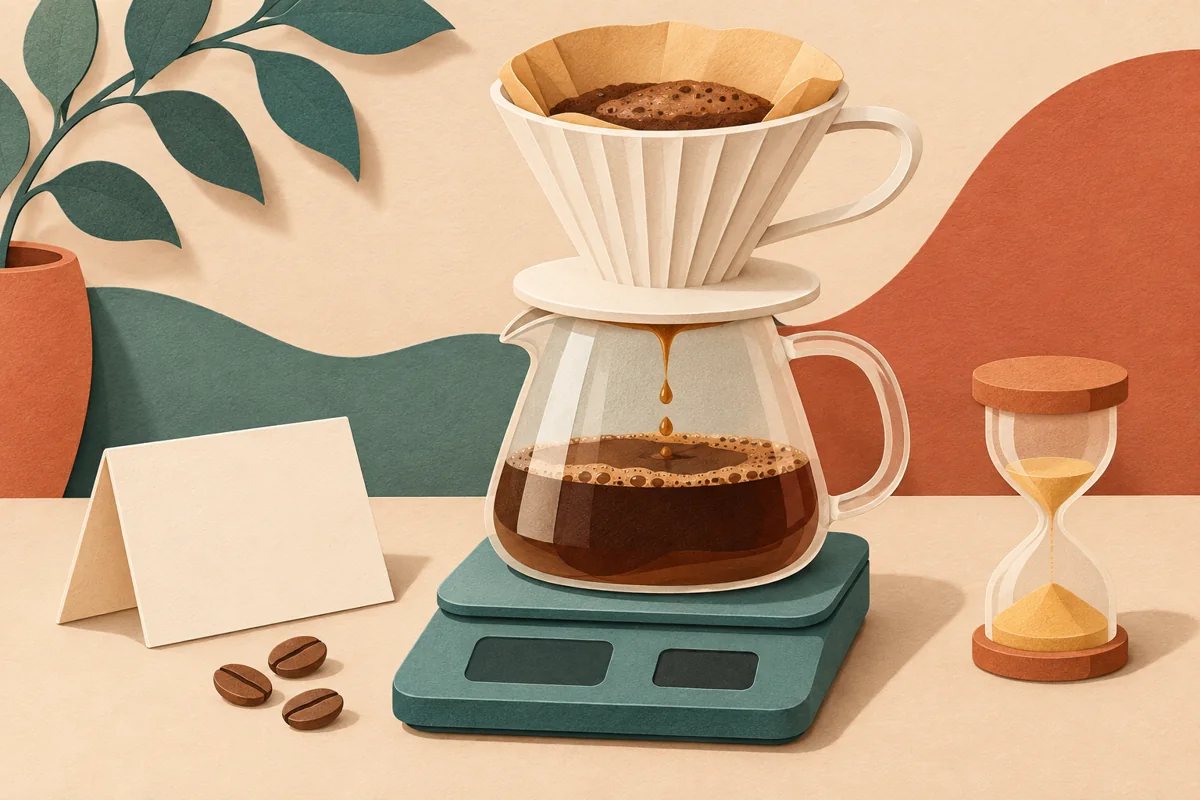
AI-generated editorial illustration, not a product photograph or brewing test. Manufacturer sources checked November 10, 2026.