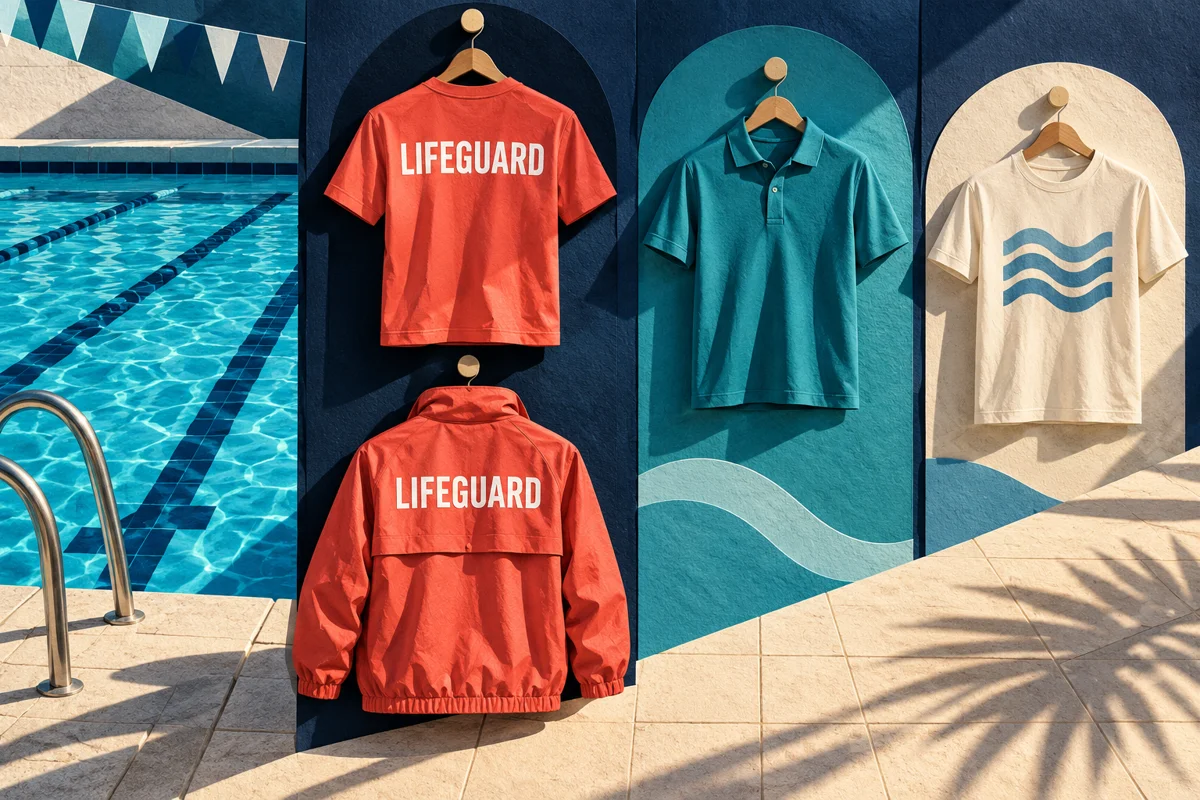
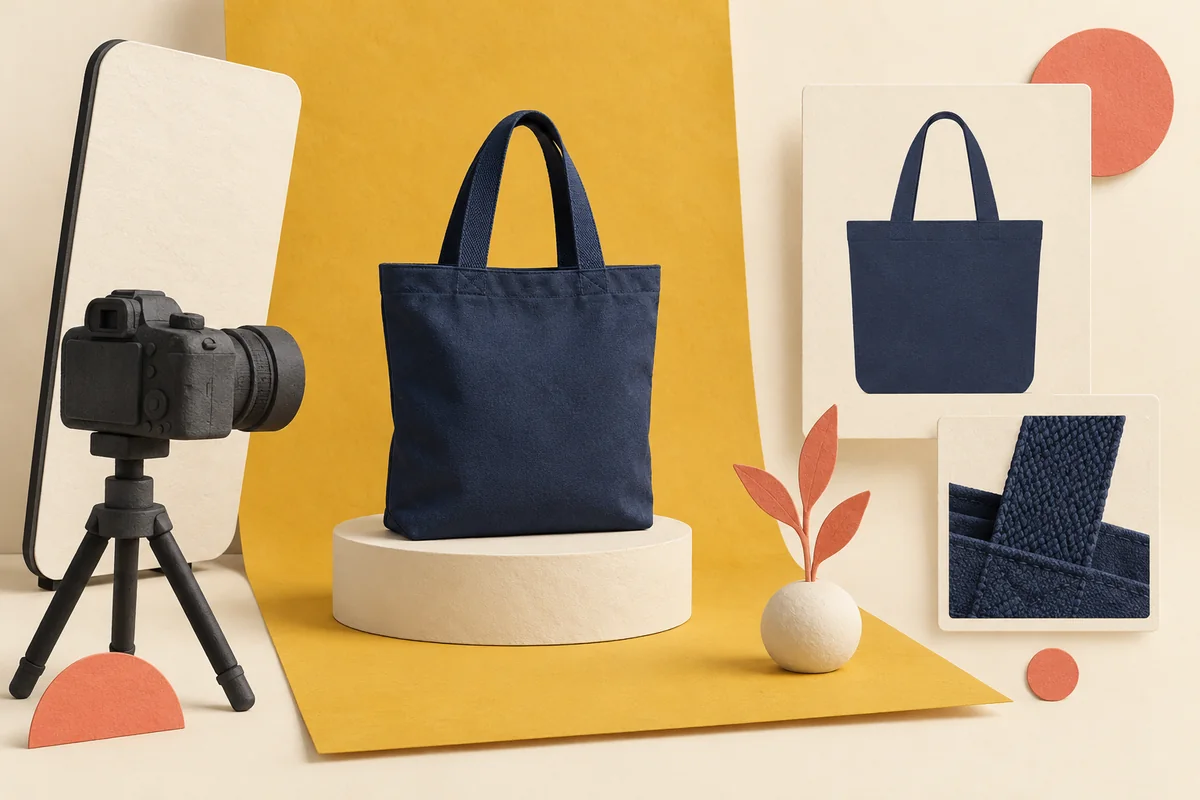
Use a clearly labeled mockup to explain the intended design; use photographs of an approved decorated sample when texture, placement, construction or included components could change an employee’s choice. Most company stores benefit from a mixed image set, not an expensive photo shoot for every size and not a gallery made entirely of attractive renderings.
The practical decision is what evidence each image provides. A mockup can show a proposed chest logo. A sample photograph can show that logo on the actual fabric. Neither replaces a size chart, a written product specification or the supplier’s production approval. Employees should not have to guess which kind of evidence they are seeing.
Brand Sauce publishes this guide from a company-store provider’s perspective. The image workflow below is our editorial recommendation, not a claim that photography, samples or particular storefront functions are included in every program. Confirm scope, permissions and quote-needed costs with your provider. Primary documentation was checked October 11, 2026. The hero illustration is conceptual artwork, not an available-product photograph.
Give product images three separate jobs
First, help someone recognize the item while browsing. Second, help them decide whether it suits their needs. Third, keep the selected configuration clear through ordering. One polished front view rarely does all three jobs.
For a backpack, recognition might require only a clear exterior view. The decision may depend on the opening, internal organization and strap arrangement. Configuration clarity requires the correct selected color and an explanation of whether the pictured accessories are included. These are different content requirements, even though they belong to one product page.
Do not turn the employee gallery into the production department’s proof archive. Internal files may contain placement measurements, revision comments or options that were rejected. Publish only the approved customer-facing set. Keep the separate decorated-apparel sample approval record available to the people responsible for production.
Choose the image type around the uncertainty
| Image type | Useful for | What it should not imply |
|---|---|---|
| Authorized manufacturer photograph | Showing the exact blank product’s shape and features | That your decoration or pictured extras are included |
| Labeled digital mockup | Explaining intended artwork and the selected product color | That a finished sample was photographed or approved |
| Approved decorated-sample photograph | Showing the actual combination of item, decoration and placement | That every future batch, size or variant is identical |
| Detail photograph | Showing a closure, interior, decoration texture or attachment | A performance claim that the photograph cannot demonstrate |
| Lifestyle photograph | Providing context for use or approximate visual scale | That props are included or that the model’s fit predicts everyone’s fit |
Use the smallest set that resolves meaningful uncertainty. Repeating the same front view against three backgrounds adds less value than showing the one pocket or closure that distinguishes two choices. A product page should make comparison easier, not merely look well supplied with images.
A mockup may be sufficient for the storefront presentation of a familiar, already-approved item with simple decoration, provided its identity and limitations are clear. A new textured garment, an unusual decoration location or a gift whose appeal depends on its finish deserves stronger physical evidence. That is a prioritization rule, not permission to skip the underlying production checks.
Build a useful minimum gallery
Start with a clean overall view. Add the opposite side if it reveals another decoration, pocket or construction detail. Then add the feature most likely to settle the recipient’s decision. Include a decorated close-up when the difference between printing, stitching or engraving matters visually.
For apparel, show the garment’s actual cut without pinning or styling that changes its apparent shape. If you publish a worn view, describe the photographed size and any fit context you can verify and are authorized to share. Keep the manufacturer’s relevant size information in readable page text; a model photograph is not a substitute.
For a gift bundle, provide one view of the complete included set and individual views where details matter. State the contents beside the gallery. A desk scene containing a notebook, pen, cup and laptop must not leave recipients wondering whether they are choosing one item or four. Treat packaging the same way: identify decorative props and optional presentation materials explicitly.
Ask the photographer to deliver a consistent crop with enough margin for mobile cards. Review the rendered thumbnail, not only the large source file. An attractive wide composition can become a tiny indistinct object when squeezed into a narrow product grid.
Make the selected variant match the visible evidence
Image assignment is an ordering issue, not just a design task. Select a color, change it, return to the first option and check which image appears. Repeat on a phone and after returning from the cart. Confirm that the visible color name, chosen configuration and preview agree.
There can be platform-specific limits. Shopify’s variant-image documentation currently describes one assigned image per variant, with additional views available in the product media gallery. It explains that selecting a variant displays its assigned preview while the remaining gallery can contain other views. Do not assume that uploading several photos automatically creates a filtered gallery for each color.
This is a platform example, not a statement about the software behind every Brand Sauce store. Ask your provider to demonstrate the actual implementation. If mixed-color photographs remain visible, captions should identify the color shown. A navy detail photograph should not silently become evidence of the gray version’s finish.
One photograph can cover multiple sizes when the represented design is genuinely shared, but label the photographed sample where scale matters. Do not digitally stretch a logo across sizes or suggest that one image proves identical relative placement on every garment. Resolve material differences in decoration dimensions with the supplier and explain the relevant result.
Keep color and texture claims modest
A clean photo is useful evidence of appearance, not a guarantee that every screen reproduces the physical object exactly. Adobe’s color-management explanation describes how device color spaces and differences among image sources and monitors can change appearance. Consistent capture and editing improve your workflow; they do not give you control over every employee’s display.
Publish the supplier’s actual color name and code where useful. Avoid renaming a muted stock shade to sound like an exact corporate-color match. For color-critical merchandise, keep a physical approval reference and follow the separate cross-material brand-color approval process.
Edit for faithful presentation. Removing dust from a background is different from removing visible seams, smoothing a textured fabric or making a print look larger. Do not retouch away a characteristic that a recipient would reasonably use to choose between products. If a sample has a defect, obtain a corrected sample instead of quietly painting over the problem and calling the result representative.
Likewise, a photograph of water droplets does not prove waterproof construction, and a packed bag does not establish its rated capacity. Keep performance and compatibility claims tied to the exact manufacturer specification or other appropriate evidence, not the mood of the image.
Make the decision available without the picture
The W3C guidance for informative images says text alternatives should communicate the information or meaning the image conveys in context. For a product detail, that means describing the useful distinction rather than repeating a generic promotional title.
For example, “Navy tote, open top with an internal zip pocket” is useful if the photo actually shows those features and the specification confirms them. “Amazing premium company gift” communicates neither appearance nor function. Avoid loading every image’s alternative text with the same long product description.
Put essential facts in ordinary page text as well: included items, decoration method, color options, dimensions and relevant limitations. Do not make a small caption burned into a photograph the only explanation that an image is a mockup. A visible caption can identify the image type while the product description provides the decision-critical detail.
Check the gallery with keyboard navigation and at phone width. Can the recipient reach the additional views, dismiss an enlarged image and return to selection? This focused content review complements the broader accessible gift-selection checklist; it does not establish complete accessibility conformance.
Spend the sample and photography budget where it changes a decision
Prioritize high-uncertainty items, not simply the most expensive ones. A familiar bottle with straightforward engraving may need less new imagery than a modestly priced bag with a confusing opening or a jacket whose decoration crosses a textured panel. Obtain separate quotes for samples, photography, editing, usage rights and ongoing replacement images.
Illustrative planning example: a store has eight product styles in three colors. That creates 24 style-color combinations, but it does not automatically require 24 full shoots. The team might use authorized blank-product photos for all colors, decorated photographs for selected approved configurations, and clearly labeled mockups for the remainder. The unresolved combinations still need the supplier’s appropriate production approval; the image plan is not a sampling exemption.
On-demand programs can avoid speculative finished inventory, but they still need reliable visual references. Bulk production can make sense for a fixed event or tightly controlled assortment, and photographs of the approved finished configuration can support distribution. A hybrid program needs particular care if stocked and made-to-order versions differ. Do not reuse a beautiful old photograph merely because the product name stayed the same.
When the budget cannot support adequate evidence for a complicated item, simplify the assortment or delay that item. Do not replace missing product knowledge with a more convincing rendering.
Use a seven-point image release card
Have the merchandise owner and storefront owner review the deployed page together. Record the item identifier, image-set version, reviewer and date, then answer these questions:
- Identity: Does each image match the intended manufacturer style, color and approved decoration version?
- Evidence: Is each mockup, blank-product photo and decorated sample identified accurately?
- Contents: Are included components distinguished from props and optional extras?
- Selection: Does changing a variant show the correct preview without misleading leftover views?
- Decision detail: Can recipients see the meaningful closure, interior, fit or finish difference?
- Equivalent information: Are essential facts readable in text, with useful alternatives for informative images?
- Lifecycle: Are usage permission, source files, ownership and replacement triggers recorded?
Retain the original approved files outside the public gallery. Trigger a review when the blank product, artwork, decoration method, included set or fulfillment configuration changes. Archive replaced assets so an older campaign email cannot accidentally supply the next store update. Assign one person to own the live set, even if several suppliers create the source material.
Frequently asked questions
Do we need a photograph of every size?
Not automatically. Use accurate size information and show any visually meaningful differences. If decoration scale or construction varies, agree on how those differences will be represented rather than implying that one sample proves every size.
Can AI-generated images serve as product photos?
Use conceptual illustrations for editorial explanation, clearly separated from the actual merchandise. Do not present an invented garment, finish or decorated sample as evidence of what employees will receive. Product selection needs images grounded in the exact item and approved configuration.
Can we reuse the manufacturer’s photographs?
Confirm the permission and permitted uses with the supplier or rights holder. Also confirm the image matches the current item. Access to a downloadable file alone does not settle either question.
Should we wait for photography before launching?
Wait if an unresolved visual detail could materially change someone’s choice and you cannot describe it reliably. Otherwise, a properly labeled mockup and accurate supporting information may be a workable presentation. Launch readiness depends on the evidence and ordering experience, not on whether every image was shot in a studio.