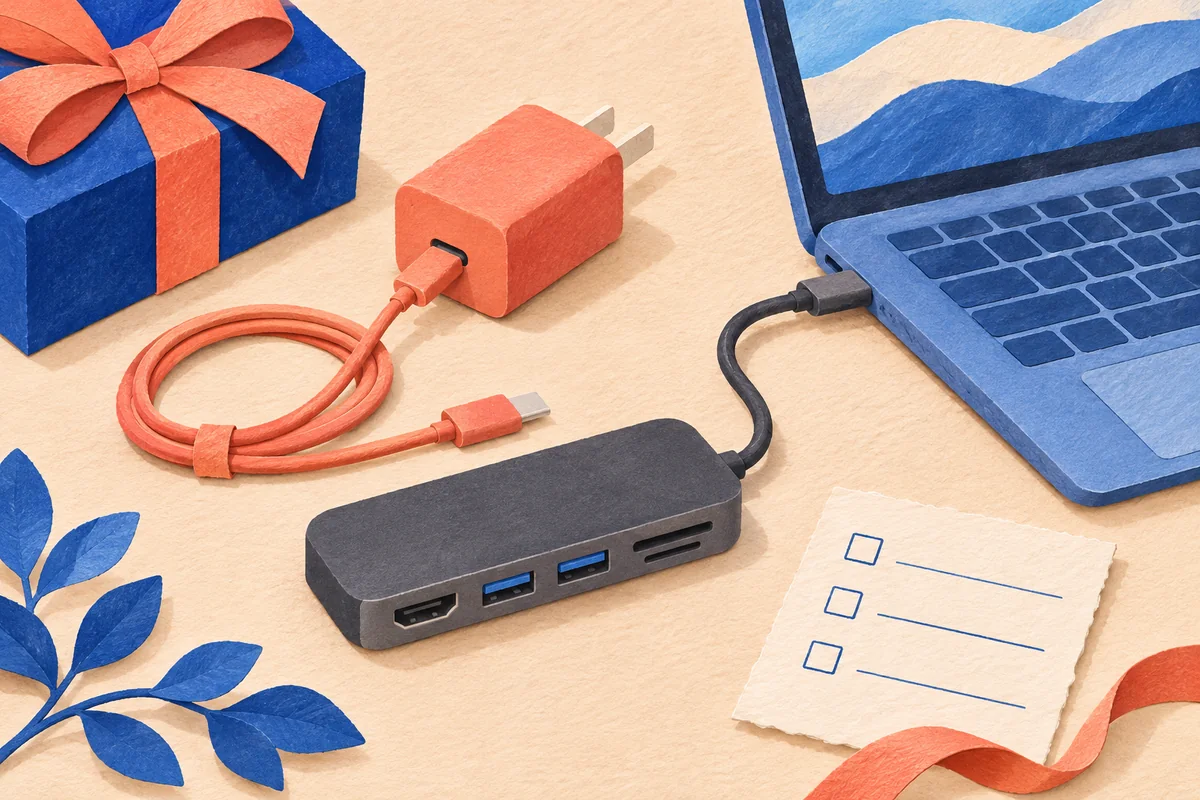
A USB-C hub can add ports without charging the laptop. For an employee tech gift, approve the charging path—not just the connector shape or a “100W” headline. Establish whether the hub supports laptop charging, what external charger and cable it needs, and how much power can actually reach the computer.
This matters most when a welcome-kit description promises a one-cable desk setup. A hub that works perfectly with a mouse and USB drive may still leave the recipient using a separate laptop charger.
Start with a three-part port map
Ask the supplier to identify these connections on the exact model's manual or annotated product photo:
- Host connection: the cable or port that connects the hub to the laptop.
- Power input: where an external charger connects, if the hub supports pass-through charging. Look for the documented function, often labeled PD-IN, rather than assuming every USB-C socket accepts charging power.
- Peripheral ports: where the employee connects accessories. A USB-C data port is not evidence of a second laptop-charging input.
For a concrete documentation example, the Anker 332 A8355 manual lists its USB-C data port separately from PD-IN. It specifies a 100W Power Delivery charger, not included, for up to 85W pass-through charging to the laptop. The 100W input and 85W laptop output are different specifications. This is an illustration of what to read, not a Brand Sauce catalog listing or a claim that every hub reserves the same amount of power.
Choose between two honest gift promises
“Extra ports while you use your usual charger”: approve the hub for the required peripherals, and keep the laptop's normal charging arrangement. Check that the recipient has the physical ports needed to connect both. This is a reasonable option when charging through the hub is unnecessary or unsupported.
“Accessories and laptop charging through one host cable”: require IT approval of the complete combination—laptop model and port, hub, charger, charging cable and intended accessories. Include the approved charger and cable in the gift, or name the existing equipment employees are expected to use. Do not leave “charger not included” hidden behind a one-cable promise.
Different laptop groups may need different answers. A hub-only gift is not automatically a replacement for an issued dock, and employees who already have an approved desk setup may prefer another gift. A short employee gift preference survey can separate people who need extra ports from those who do not.
Compare laptop output, not charger headline watts
Dell explains why powered hubs and docks can produce slow-charging warnings: the power source must cover the laptop as well as the hub and connected devices. Its guidance for the covered systems includes connecting the laptop adapter directly to the computer. Follow the specific laptop and hub manuals rather than applying a universal wattage subtraction.
Microsoft's slow-charging guidance also identifies incompatible or underpowered chargers, unsuitable cables and the wrong laptop port as possible causes. A larger number on a charger does not by itself prove that the whole combination meets the computer's charging requirements.
Hypothetical rejection example: IT requires at least 90W delivered to the laptop for an approved setup. A proposed hub documents a maximum of 85W to the host. Reject it for that one-cable setup even if its input is advertised as 100W. A more powerful wall adapter does not raise the hub's documented output ceiling. It might still qualify as an extra-ports-only gift with a separately approved charging arrangement.
Use this kit acceptance worksheet
Complete one record for each laptop group; do not sign off the whole company from a single successful sample.
Laptop model / approved host port: ___
Gift promise: extra ports only or one-cable charging: ___
Hub model / manual / maximum laptop output: ___
IT charging requirement and compatibility approval: ___
Charger and cable models; included or already issued: ___
Accessories connected during the check: ___
Normal work task, duration and battery state: ___
Charging status / warnings / accessory operation: ___
Approved packing list and recipient instructions: ___
For the sample check, connect the intended equipment exactly as instructed, run a representative work task and record the charging status alongside accessory operation. Let IT interpret the result: a full battery or a configured charging limit can make battery-percentage changes uninformative. A single idle charging icon is not a complete acceptance check.
Monitor support is a separate requirement. If the kit promises an external display, also verify the host port, hub output, cable and monitor combination; our USB-C display-cable checklist explains why connector fit alone is insufficient.
Before ordering, request the exact destination-country SKU, permitted decoration area, packing contents and delivered quote. No model in this explainer is being offered as verified Brand Sauce inventory; availability and pricing remain quote-needed. Keep port labels and ventilation unobstructed when approving decoration.
Primary sources checked November 6, 2026. The worksheet is a proposed buyer check, not a Brand Sauce product test. Illustration is AI-generated editorial artwork, not a photograph of a supplied kit.