Approve a QR code on the finished surface, at the finished size—not just on a designer’s screen. For a recruiting fair or trade-show giveaway, a successful scan means a visitor can open the intended mobile page without signing into your company account. A sharp-looking proof alone cannot establish that.
Use the checklist below before releasing an order. It is a proposed approval procedure, not a report of Brand Sauce product testing. No particular merchandise item or decoration method is being certified here.
First decide whether the code belongs on the item
If the destination is a temporary event offer, consider putting the code on a removable hangtag or insert instead of permanently decorating a useful bag or garment. If the destination is a durable resource—such as instructions or a regularly maintained community page—a permanent imprint may make sense. Assign someone to maintain that destination for as long as recipients are expected to use it.
- Use an insert or tag when the imprint area is too small, the material will fold through the code, or you cannot obtain a representative decorated sample before the deadline.
- Consider printing directly when the supplier can preserve the code geometry and clear border on the chosen surface, and a physical sample passes your scan check.
- Keep a typed alternative alongside the code: a short, readable web address plus a useful instruction such as “View the event resources.” Do not make scanning the only route.
This is a placement decision, not a reason to add more giveaways. Choose the role of the merchandise first; our company-store product curation guide helps keep the assortment focused.
Give the printer a code, a clear border and dimensions
For a standard QR Code, DENSO WAVE specifies a clear margin four modules wide on every side. A module is one small square in the code. Keep surrounding text, artwork and trim outside that margin. See its code-area and quiet-zone guidance.
Worked layout example—not a recommended minimum size: suppose your generated symbol has 29 modules per side and the proposed module width is 0.8 mm. The full reserved square is (29 + 4 + 4) × 0.8 = 29.6 mm, including the clear border. The symbol alone is 23.2 mm wide. Asking for a “23.2 mm code” without defining whether that includes the border can produce the wrong artwork size. Confirm the actual module count with your designer; do not assume every code has 29.
There is no single physical size that this checklist can promise will work on every giveaway. DENSO WAVE explains that larger modules improve reading stability and that the reader’s capabilities matter, not only printer resolution. Its module-size guidance is a reason to test the final combination, not to treat an industrial-printer example as a universal phone-scanning minimum.
Ask for crisp, unwarped artwork in the supplier’s accepted format, with dimensions in millimeters. Start with a dark code on a plain light area. For glossy, curved, textured or flexible surfaces, ask specifically how the decoration and placement will be sampled. Do not assume an embroidery file or a metallic imprint will behave like ink on flat paper.
Keep the logo outside the code for the simplest approval path. DENSO WAVE’s error-correction explanation describes recovery of damaged data and the size tradeoff of stronger correction. That is not permission to cover an arbitrary percentage of the printed square with a logo.
Copy this scan-test signoff into the order brief
Record the artwork revision, supplier, item and color, decoration method, placement, full reserved dimensions, encoded URL, final destination and sample date. Then complete these checks:
- Geometry: confirm the clear border survives the full layout, trimming and placement. Check that the sample matches the approved dimensions.
- Physical sample: scan the decorated sample, not a screenshot of it. For an insert, test the final stock and finish. For fabric, test with the item held naturally rather than stretched perfectly flat.
- Phones: try the ordinary camera on at least one iPhone and one Android phone available to your team. Record the models and any failures. This is a practical screening check, not proof of compatibility with all devices.
- Conditions: try the expected hand-held distance, normal indoor light and an angle that produces glare. Note if repeated repositioning is needed.
- Destination: use a signed-out browser and a phone without company Wi-Fi. Confirm every redirect reaches the intended page and that the promised action can be completed on mobile.
- Fallback: type the printed address manually and complete the same action. Check spelling and readability on the physical sample.
- Ownership: name the person responsible for the landing page, redirect and any QR service account. Confirm renewal or plan dependencies with that service before printing.
Release rule: approve only the tested artwork/surface combination. If an expected-use check fails, enlarge or simplify the treatment, move the code to an insert, or change the destination flow, then retest. A change of item color, finish, placement or artwork after approval needs another check. Our apparel sample approval checklist covers the separate garment and decoration checks.
Do one final check before the event
When the shipment arrives, inspect pieces from different cartons and compare them with the approved sample. This is a receiving spot-check, not statistical quality certification. Repeat the destination test shortly before the event, especially if somebody has changed the form, redirect or website since production.
If the code resolves but the page fails, repair the destination before distributing the merchandise. If the printed code itself fails, a working landing page will not fix it: hold the affected pieces and agree a correction with the supplier. Keep a tested replacement card available when timing makes redecoration impractical.
Build that receiving check into the delivery plan; see advance-warehouse versus venue shipping before deciding where the boxes should go.
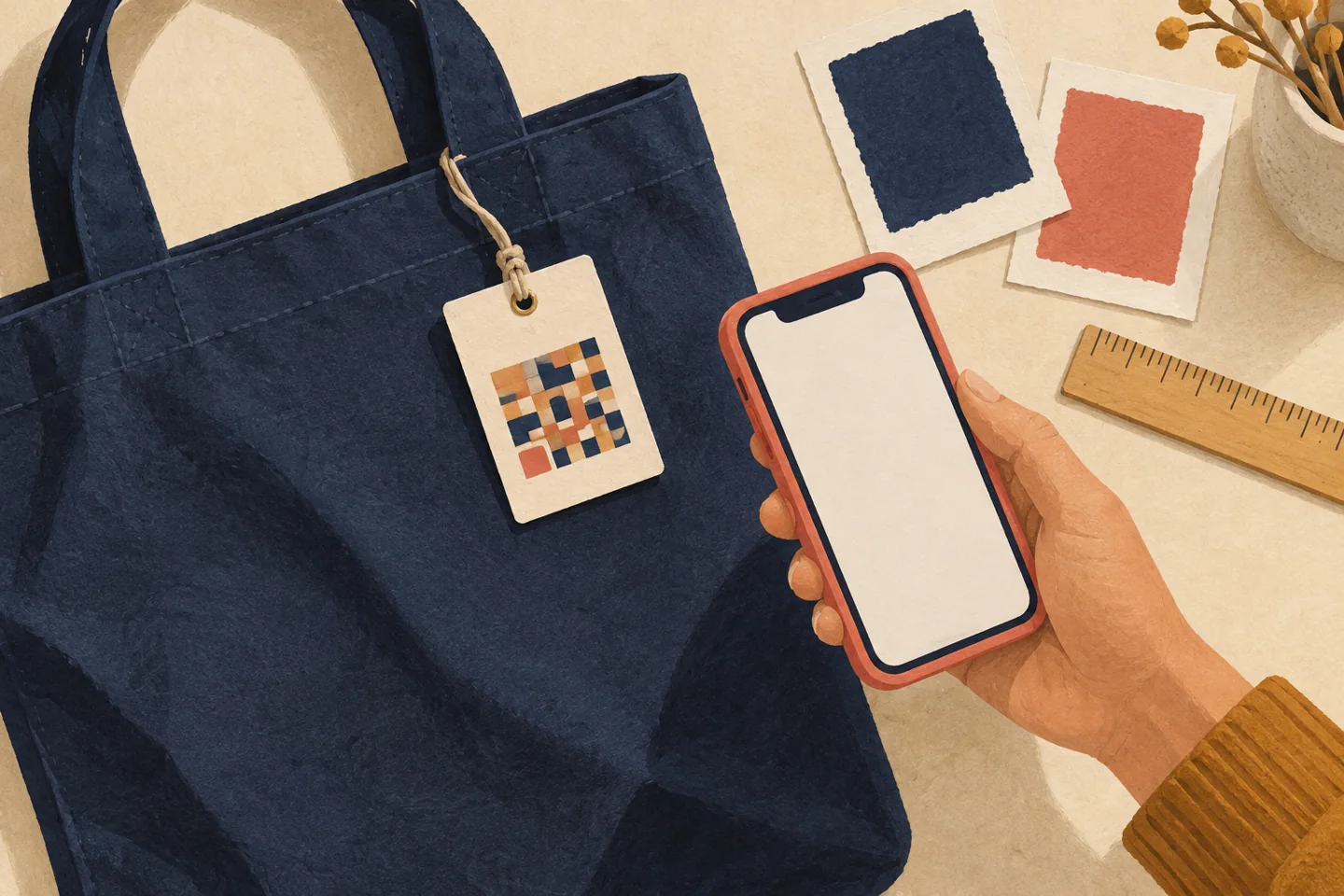
Illustration: AI-generated editorial artwork; the depicted mosaic is not a usable QR code, actual catalog product or test result. Primary technical sources checked September 28, 2026.