A branded Bluetooth speaker is not automatically a speakerphone. Before describing one as a work-from-home gift for calls, verify that the exact model has a microphone and supports the call function you intend. Playing a meeting's audio is different from sending the employee's voice back to the meeting.
For a remote team, this is a small wording decision with a practical consequence. A music speaker can be a perfectly good recognition gift. It should not be presented as a replacement for approved meeting equipment unless it has been evaluated for that job.
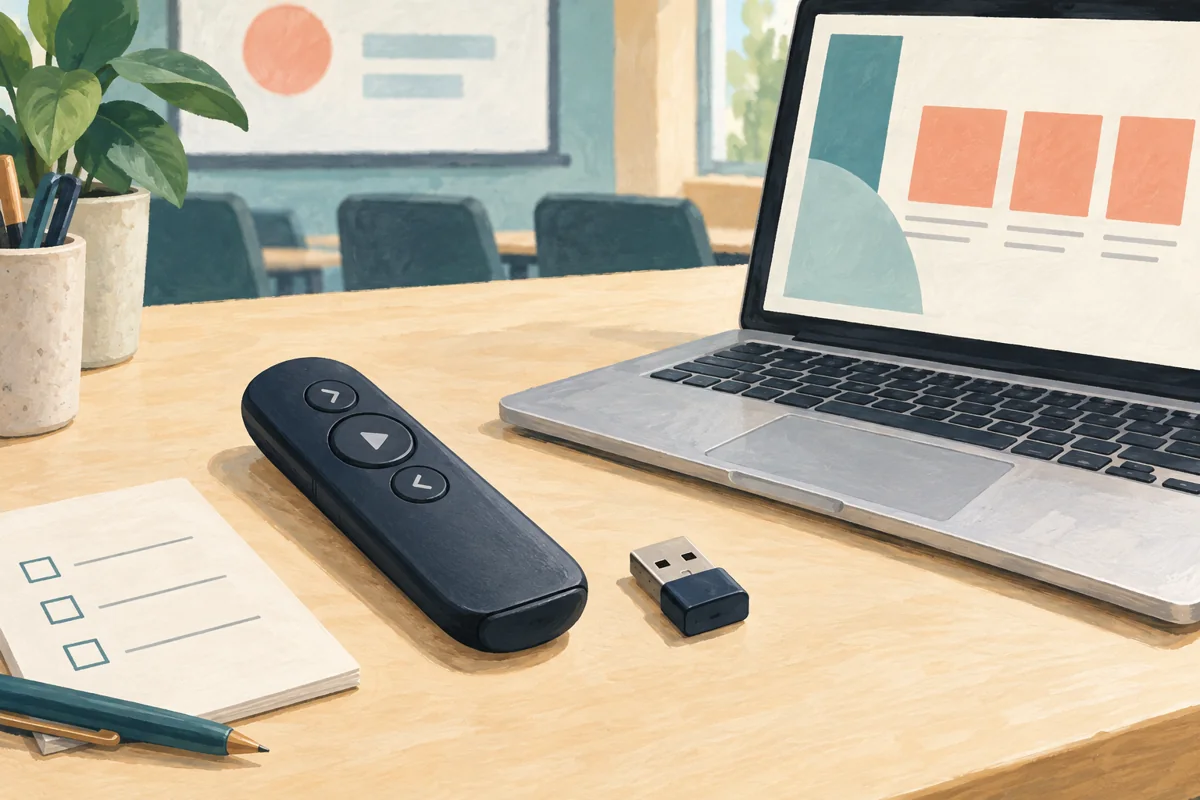
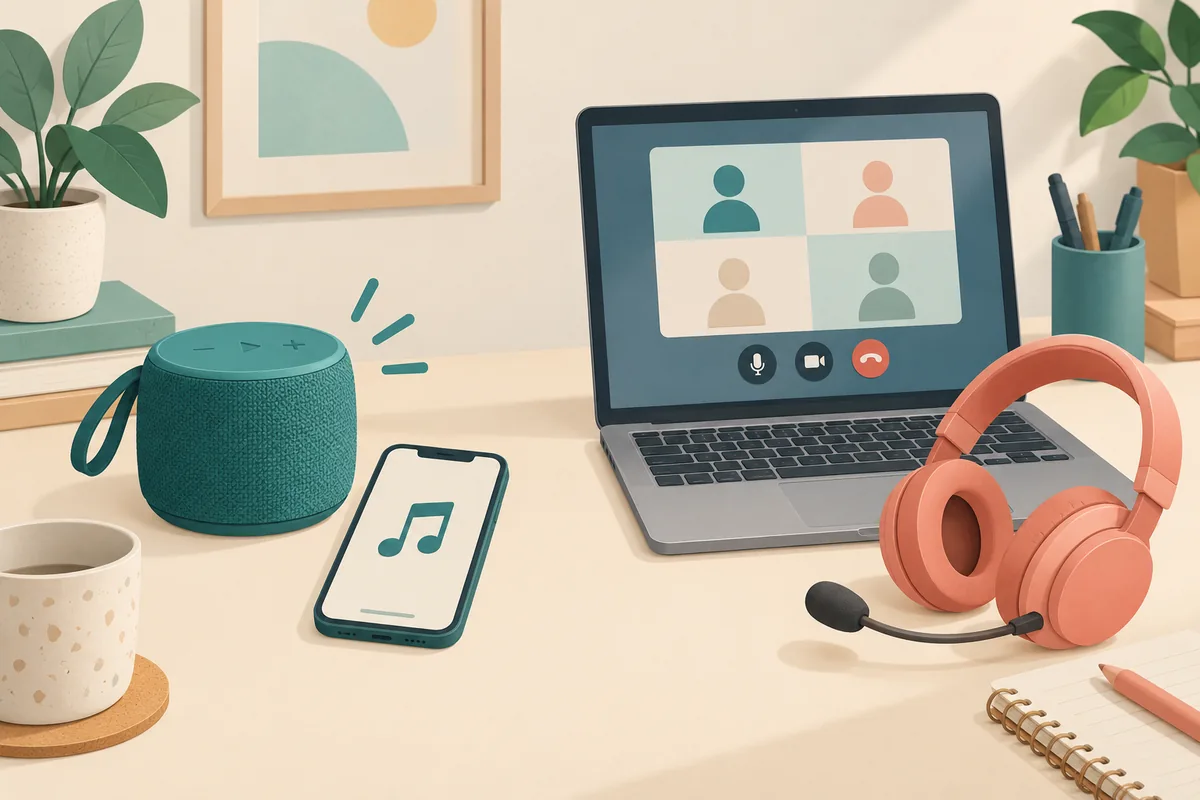
Manufacturer guidance checked October 16, 2026. The examples below explain feature differences, not Brand Sauce stock availability or hands-on test results. The hero is an AI-generated conceptual illustration, not a photograph of these products.
Check the model and generation, not the brand
JBL's speakerphone support guidance explicitly lists products without a microphone or speakerphone functionality, including the Flip 6, Charge 5 and Clip 5. Bluetooth connectivity on those models does not create a microphone.
Older guidance can produce the opposite answer if a buyer overlooks the model list. JBL's instructions for using a speaker as a speakerphone apply to the Flip 3 and Flip 4. They are not evidence that every later Flip works the same way. Put the full model name on the quote and reject undocumented substitutions.
There are portable music speakers with calling support. The Bose SoundLink Flex Portable Speaker (2nd Gen) lists a built-in microphone and describes answering, declining and ending phone calls. That establishes a documented phone-call feature; it does not, by itself, establish suitability for every laptop, conferencing app or shared meeting room.
Decide which job you are buying for
- Personal music gift: evaluate listening preferences, portability and recipient choice. A missing microphone need not disqualify it. Describe it as a portable music speaker.
- Occasional hands-free phone calls: require manufacturer-documented speakerphone support, then check the intended phone and controls on a sample.
- Daily laptop meetings: involve IT and evaluate the actual computer, operating system and calling app. Consider an approved headset or dedicated speakerphone rather than treating a music gift as standard work equipment.
- A room with several participants: write a separate room-audio brief. A successful one-person phone call is not an acceptance test for everyone around a table.
Do not use wattage, waterproofing or a newer Bluetooth version as a substitute for this decision. Those specifications do not answer whether the other end of a call can hear the employee. The same exact-device discipline applies to choosing webcam accessories for laptop welcome kits.
A two-end call check before you approve the gift description
Use this practical worksheet only after the manufacturer documents the required calling function. It is a proposed purchasing check, not a claim that Brand Sauce has tested the named products. Use a consenting colleague at the other end and ordinary test conversation, not a real client call.
- Record the setup: exact speaker model and generation, phone or laptop model, operating system, app and connection method. Write the intended use beside it: phone calls, laptop meetings or music only.
- Identify both audio paths: check the app or device's selected output and microphone. If the laptop's built-in microphone is doing the work, record that explicitly; hearing sound from the speaker is not proof of speakerphone operation.
- Listen from both ends: exchange short sentences from the normal working position at the normal listening volume. Ask the remote person about clarity, missing words and echo. Record observations, not a universal audio-quality score.
- Check interruptions and controls: try the documented answer/end controls where applicable. Test the intended mute method and confirm with the remote person that it actually silences the microphone. Do not assume a music pause button is a mute control.
- Reconnect and repeat: disconnect, reconnect and verify the input/output selection again. Repeat for each materially different device/app setup you intend to support.
- Write a bounded verdict: approved for the recorded setup; music gift only; or unresolved pending clarification. Keep unsupported configurations out of the product description.
Illustrative outcome: a sample plays a video meeting clearly, but the app still uses the laptop microphone. The buyer records “external audio playback only in this setup,” not “speakerphone verified.” The speaker may remain in the gift selection, but the work-call promise comes out of the invitation.
Finish the buying brief
Ask the supplier to confirm the exact model, permitted decoration area, recipient-country availability and delivered decorated quote. Keep controls, ports and microphone openings unobstructed. Manufacturer retail availability is not confirmation of a branded program's stock, decoration options or delivery coverage; until those are confirmed, pricing is quote-needed.
If the goal is recognition rather than equipment provisioning, let employees choose something that fits their routine. Our employee gift preference survey guide helps separate a genuine interest in a music speaker from an assumed need for meeting hardware. The best brief says what the gift is for—and stops short of promising a function the selected product has not established.