No: a timer that remembers a countdown does not necessarily start that countdown again by itself. If you are choosing timer gifts for workshop facilitators, separate “recall the last duration” from “automatically repeat each round.” They produce different session flows.
For a training exercise, the pause between rounds may be useful: the facilitator can reset materials, answer a question and deliberately start again. For an activity that needs uninterrupted repeating intervals, a manual memory function may not do the job. Buy for the transition between rounds, not just the digits on the screen.
Three behaviors to specify separately
- Last-duration memory: the device stores a previous countdown so the user can recall it without entering all the digits again. Confirm the recall and start actions in its instructions.
- Automatic repeat: a new countdown begins without a person restarting it. Require explicit documentation of this behavior and any cycle limit or interval settings.
- Overrun count-up: after zero, the display shows time elapsed since the countdown ended. Increasing numbers are not evidence that a fresh round has started.
A listing that says “memory,” “repeat alarm” or “count-up/count-down” does not, by itself, establish automatic repeating rounds. In particular, an alarm that sounds again is not the same thing as a countdown that starts again.
What actual instructions show
The ThermoWorks TimeStick instructions say that the last timer value is retained and can be recalled in Timer mode with START/STOP. At zero, the described behavior is an alarm followed by a count-up of elapsed time. The manual also describes a recurring alarm pattern until it is silenced. That repeated alert is not a documented new countdown.
The TimeStack instructions use a different recall action: SET retrieves the last value when the timer is stopped, while START/STOP begins the selected countdown. They likewise describe an elapsed-time count-up after zero. Even within one manufacturer’s range, do not copy a restart instruction from one model onto another.
These are manufacturer examples of control behavior, not a verified Brand Sauce assortment, a product test or a recommendation that every facilitator needs either model. Request the manual for the exact model and revision being offered.
Choose who starts the next round
If the facilitator controls the transition: prioritize easy recall and a clearly visible ready state. The timer should let them stop, prepare the room and start when everyone is ready. A remembered duration can reduce re-entry, but verify the button sequence before printing a quick-start card.
If the session must keep moving automatically: ask for a documented repeating-interval mode. Specify whether all rounds use the same duration or alternate between activity and break, how many cycles are needed, and what should happen after the final cycle. Do not substitute a last-duration memory feature for that requirement.
If the facilitator needs to see how late a round finished: an overrun count-up may be useful. Label it clearly in the instructions so a participant does not mistake elapsed-overrun time for the next round’s remaining time.
These choices are about ordinary workshop timing. They do not establish suitability for safety-critical processes, and this guide makes no claim that a timer improves training outcomes.
A two-round sample check
Proposed buyer check—not a test Brand Sauce has performed. Use a short interval, such as 30 seconds, solely to inspect behavior. This is not an accuracy test or a claim about a particular product.
- Set and start: enter the short interval using the exact manual. Record whether the screen uses minutes and seconds or hours, minutes and seconds.
- Wait through zero: leave the controls untouched and observe the display. Does it stop, count upward, or start a fresh countdown? Separately record whether the alarm repeats.
- Dismiss and recover: follow the documented steps to stop the alert and any overrun. Retrieve the stored interval. Note every button action; do not assume dismissing, recalling and restarting are one action.
- Run round two: start again and confirm the intended duration. For an automatic-repeat requirement, instead observe the documented mode through at least two complete cycles and its stop behavior.
- Change the duration: enter a different interval, then check which value memory recalls. This exposes an instruction card that incorrectly treats “last used” as a permanently saved workshop preset.
For a multi-channel timer, identify the channel during each step. If a facilitator cannot tell which countdown they are restarting, resolve that before approving a batch.
Copy this facilitator handoff card
Exact model, revision and manual: ______
Required session flow: manual rounds / automatic identical rounds / alternating intervals
At zero, the display: stops / counts up / starts next countdown
Alarm repeats separately: yes / no
Stop or dismiss action: ______
Recall action: ______
Start next round action: ______
What replaces the saved duration: ______
Sample result: approved / change model / unresolved
Decoration, destination-country supply and delivered quote: confirmed / pending
Keep any unknown behavior unresolved rather than writing “auto-repeat” on the gift card. Confirm exact catalog availability, decoration eligibility and country supply before offering the item; unconfirmed prices remain quote-needed.
Sound is a separate purchasing decision: use our quiet-timer alarm checklist if the workshop shares space with other groups. For a gift program beyond the facilitator’s work kit, a short employee gift-preference survey can establish whether recipients want a timer at all.
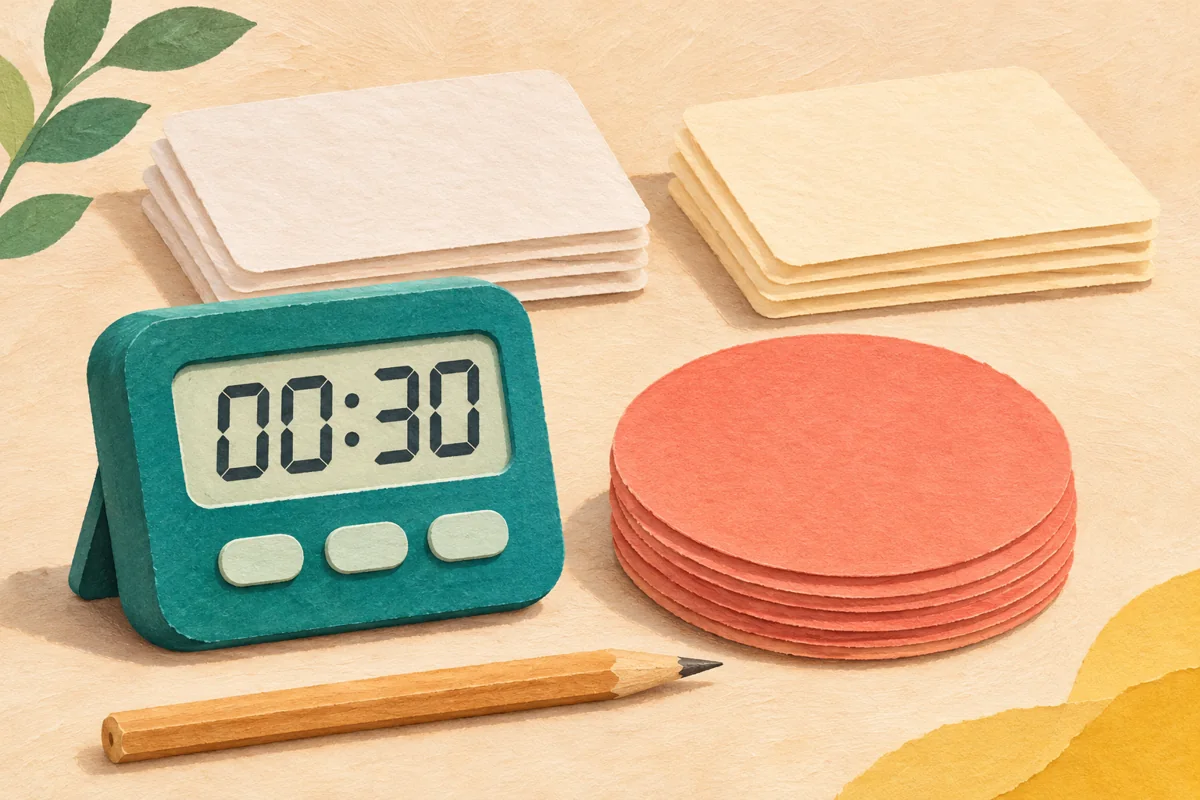
Image: AI-generated editorial illustration, not a catalog photograph or timer test. Sources checked November 5, 2026.