Not by copying a public Amazon Locker's street address into a company-store checkout. A gift shipped independently by a merchandise supplier is not automatically eligible for that pickup network. First establish whether the recipient means a public Amazon Locker or their apartment building's package lockers. Those are different receiving arrangements, even when the equipment carries similar branding.
For a university sending thank-you gifts to visiting lecturers, this is a useful pre-dispatch question. A convenient locker beside campus may be available for the lecturer's Amazon shopping without being an address the university's merchandise supplier can use.
Public Amazon Locker: eligibility comes through the order
Amazon's current U.S. Locker explanation describes selecting an available location through Amazon's shopping workflow. Its eligibility examples include items sold or fulfilled by Amazon, alongside size and weight limits. Ineligible orders do not offer the Locker option at checkout.
That means a small box is not enough. A decorated notebook shipped directly from an unrelated supplier does not become an eligible Amazon order because its label names a nearby locker. Do not approve that destination unless the actual ordering and shipping workflow explicitly supports it.
For an eligible Amazon order, the same guidance gives a three-calendar-day collection window, after which an uncollected item is returned and refunded. That is not a general return or refund promise for gifts purchased elsewhere.
Apartment lockers: ask about the building, not the map pin
There is an important exception to the blanket statement “Amazon lockers only take Amazon packages.” Amazon's original apartment Hub announcement describes a residential system for packages from any sender, with residents using their ordinary apartment addresses. That 2018 announcement establishes the distinction; it does not verify the current arrangements at any particular building.
If a recipient says their apartment uses lockers, ask them to confirm the building's current delivery instructions with its management. Preserve the recipient name and unit in the supplied address. Confirm whether the proposed carrier can enter, how the resident is notified, and what happens to parcels that cannot be placed in a compartment. Do not replace a residential address with a public Locker listing.
Sources checked November 1, 2026. This explanation concerns the U.S. examples above, not every locker operator or country. It does not claim a Brand Sauce integration with Amazon's pickup network.
Copy this locker-address screening card
Use this short decision aid before releasing a gift order. It is a proposed purchasing check, not a delivery test we have performed.
- Name the arrangement: public retail pickup locker, resident-only apartment system, or unknown. “Locker delivery” alone is not enough information.
- Identify the actual shipment: supplier, carrier/service, packed dimensions and any separately shipped items. Check each parcel, not only the combined order.
- Establish acceptance: for public Amazon Locker, require eligibility through the supported order workflow. For apartment lockers, confirm the building's current receiving instructions and recipient enrollment requirements.
- Keep the approved address: use the system's selected destination or the building-confirmed residential format, as appropriate. Do not manufacture a pickup address from a map.
- Confirm collection: recipient can receive the notification, access the location and collect within its applicable window. Pickup credentials belong with the recipient, not in a shared campaign spreadsheet.
- Record the outcome: approved route and evidence, alternate recipient-approved destination, or hold pending clarification. Unknown is not approved.
Suggested support wording: “Is this a public Amazon pickup location or your building's resident package system? Please supply the delivery instructions for that arrangement through our private order-support channel. We will confirm the shipping route before dispatch.”
A worked decision, not a customer story
Illustrative example: a visiting lecturer requests a public campus Amazon Locker for a notebook being dispatched directly by a print supplier. The buyer cannot confirm a supported Locker ordering route, so pauses dispatch. The lecturer instead approves a staffed university department address, and the department confirms who will receive and hand over the parcel. The buyer updates the order only after both confirmations.
For a resident lecturer whose building accepts supplier parcels into its own locker system, the answer could instead be to keep the verified apartment address. The difference is the receiving arrangement—not the value of the gift or the appearance of the locker.
Use our home-versus-office delivery guide when choosing an alternative. If the parcel has already shipped, consult the separate shipment holds and carrier pickup guide; changing a checkout address is no longer the same as changing an in-transit delivery.
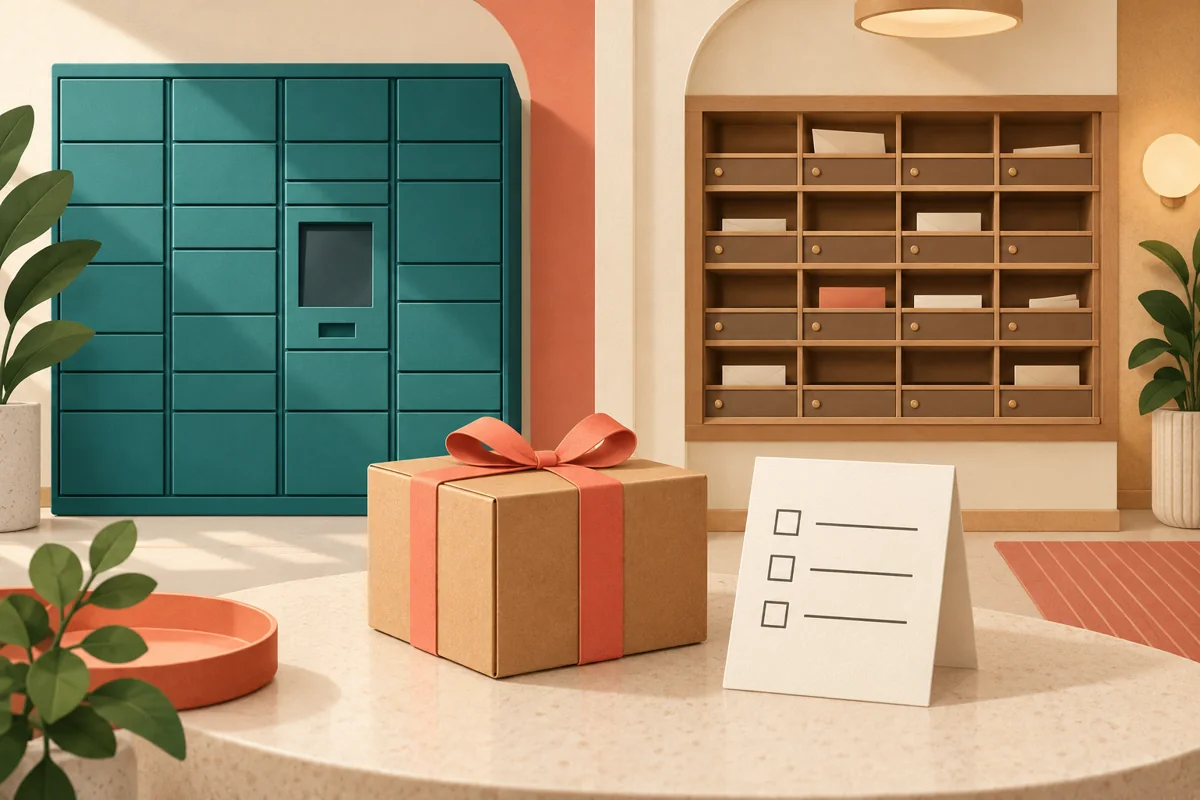
AI-generated editorial illustration; not a photograph of an actual locker installation or delivery.