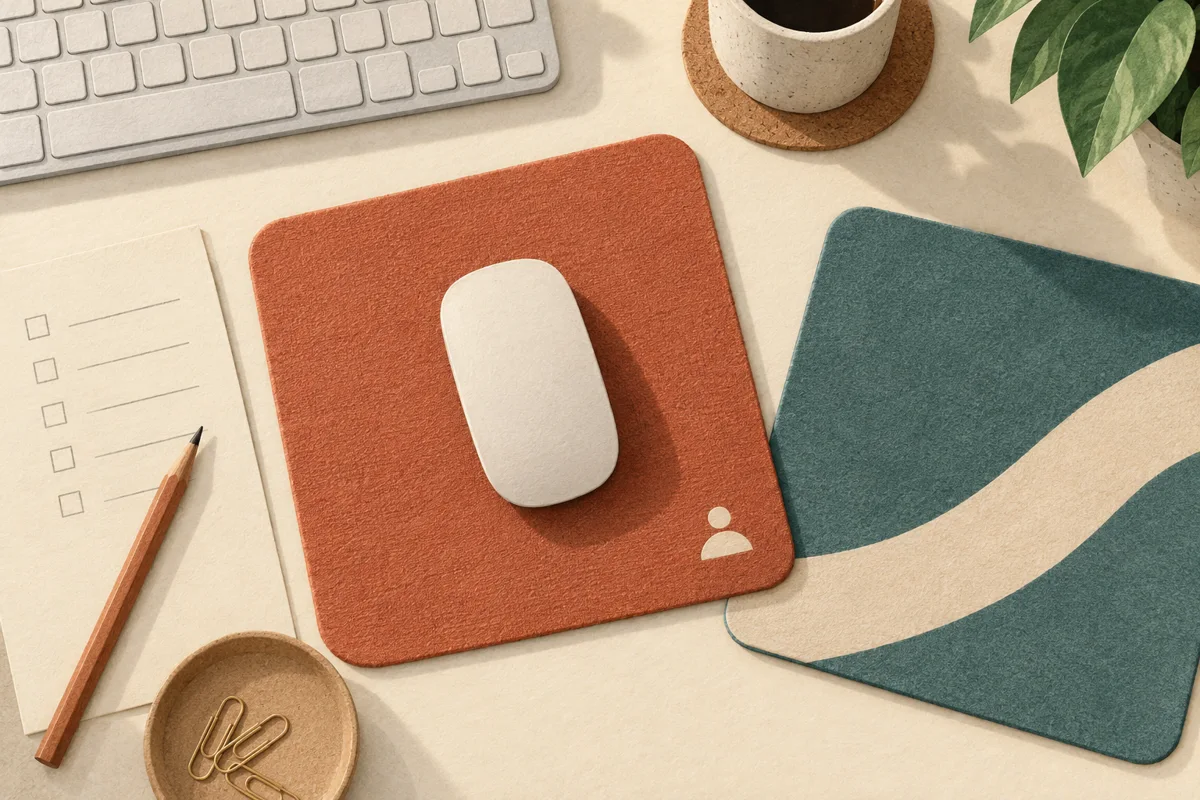
Do not approve a branded mouse pad from the artwork proof alone. For an employee desk kit, approve the finished surface with the mice people actually use. The pad’s material, printed design and usable area all belong in that check. A good-looking pad is not automatically a good tracking surface.
Does every mouse need the same surface?
No. Logitech’s Labtec troubleshooting guidance explains that optical tracking depends on surface detail and identifies transparent or reflective surfaces as potential problems for those devices. That is useful background, not a specification for every modern mouse.
There are real exceptions: Logitech says its MX Master 3S Bluetooth Edition tracks on glass, with a minimum glass thickness of 4 mm. This is an example of model-specific capability, not a Brand Sauce catalog recommendation. Neither “optical” nor “wireless” alone tells you whether a particular pad will work.
For a mixed-device team, our buying recommendation is to start sampling an opaque, matte pad with a consistent working surface. Treat that as a shortlist rule—not a performance guarantee. Ask the supplier for the exact material, finish and decoration method, then check the decorated sample.
Can a full-color logo affect tracking?
Sometimes, but “all printed pads are bad” would be the wrong conclusion. Razer’s support guidance on multicolored pads identifies a problem for mice with its calibration feature and suggests disabling that feature or using a non-multicolored pad. This is a specific troubleshooting case, not evidence that every color change causes a cursor to skip.
The practical implication: move the mouse across the actual printed areas, not just the unprinted corner. A small corner logo is one layout worth sampling when a large design would cover the entire travel area. It still needs checking. Send the supplier the correct logo files and request a sample that matches the proposed production finish; a digital mockup cannot establish tracking behavior.
A copyable finished-sample check
This is our proposed buyer acceptance check, not a laboratory certification or a report of tests we performed. Complete it before releasing a bulk order.
- Identify the combination. Record the pad SKU, dimensions, surface, artwork version and decoration method, plus each mouse model checked. Include company-issued devices and a few representative bring-your-own devices if relevant.
- Establish a baseline. With the same computer and settings, confirm that each mouse works on its usual surface. If it already skips there, resolve that issue before blaming the sample.
- Cross the whole design. Select small spreadsheet cells, drag a window and draw slow diagonal lines. Repeat across the logo, color boundaries and normal working area. Record any repeatable stall or unexpected jump and where it happens.
- Check usable travel. Put the keyboard in its normal position. Can the user reach the intended screen area without repeatedly running off the pad? Try the person’s normal pointer settings, not a setting chosen just to make the sample pass.
- Check the physical sample. Does it lie flat after following any supplier unpacking guidance? Does the backing stay put during normal use? Does the edge interfere with the user’s usual movement? Record the desk surface used.
- Make a release decision. Approve only the combinations checked. If a finish or artwork change is needed, request and recheck that version. If software changes are required, have IT confirm that they are supported and permitted before promising an easy fix.
Approval record: Pad/SKU: ___; artwork and finish: ___; mice and settings: ___; desk surface: ___; tracking result: ___; travel/flatness/grip result: ___; exceptions: ___; approve, revise or reject: ___; reviewer/date: ___.
What if employees use different devices?
Hypothetical example: a creative agency supplies a standard office mouse, but some designers use their own gaming mice and others work entirely with trackpads. The buyer checks the decorated sample with the standard mouse and representative designer devices. One combination skips only when crossing the large graphic. The team requests a revised layout and checks it again; it does not describe the first sample as universally compatible because most devices worked.
For trackpad-only staff—or anyone already happy with a desk setup—make the pad optional. Use an employee gift preference survey to learn whether a mouse pad is wanted before ordering one for every kit.
Bottom line: buy the working surface, not just the printable rectangle. Confirm the exact finished sample, record the devices checked and keep an alternative for users whose setup it does not suit.
Illustration: AI-generated editorial artwork, not a product photograph or compatibility test.