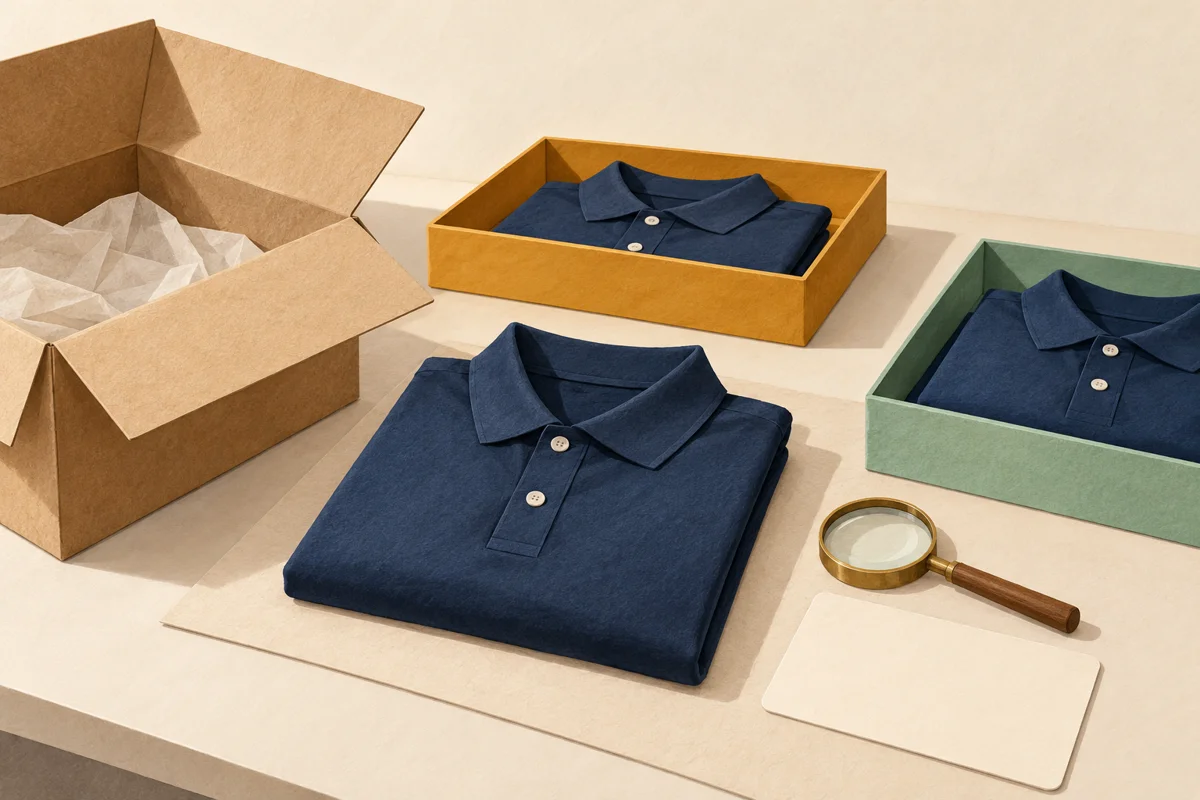

Use a limited preorder window when a defined group can make its selections before one production decision. Keep a company store open continuously when employees need to order throughout the year. Combine the two when you have everyday essentials plus occasional campaign merchandise—but make the timing and checkout rules unmistakable.
The key question is not whether your store should look permanent or temporary. It is whether employees can reasonably wait for everyone else to choose. A commemorative sweatshirt for an annual gathering may suit a shared cutoff. A replacement polo or a new-hire welcome gift may not.
This guide compares ordering schedules, not providers. Brand Sauce publishes it from a company-store planning perspective. The workflows below are recommendations to discuss with your provider, not a claim that every platform or Brand Sauce program includes every control.
Separate the ordering window from production and delivery
Three decisions are often bundled together even though they answer different questions:
- Ordering: Can people order any day, or only during a defined window?
- Production: Does each order trigger decoration, or are selections combined into a batch?
- Delivery: Does each person receive a parcel, or does one location receive a consolidated shipment?
A temporary store can accept individual orders that immediately enter production. That is a limited campaign, but it is not necessarily a batch preorder. Conversely, an always-open store can accumulate orders for a weekly production release. Employees see continuous access while the operator runs a batch schedule behind it.
Here, a preorder window means selections are collected until a stated cutoff, then reviewed and released together. An always-on store accepts ongoing orders under a disclosed fulfillment schedule. Neither definition tells you whether finished stock is held. For the separate production decision, see our on-demand versus bulk swag guide.
Choose the rhythm that fits the request
| Program need | Starting point | Condition to confirm |
|---|---|---|
| Annual celebration with one design | Preorder window | People can choose early enough for production and delivery |
| New hires arriving on different dates | Always-on | Each hire can order without waiting for the next campaign |
| Special decoration requiring a production minimum | Preorder with a threshold rule | Minimum applies to the actual combination of product, artwork and decoration |
| Routine employee-paid merchandise | Always-on | Checkout explains production timing and payment terms |
| One shared office distribution day | Preorder or planned stock | Receiving, sorting and handout have named owners |
| Core range plus occasional limited designs | Hybrid | Campaign orders are clearly separated from routine orders |
Do not choose a window just to create urgency. Choose it because consolidating real demand improves the production or distribution plan. If closing the store creates more emergency exceptions than useful coordination, the schedule is working against the program.
Define what an order actually commits to
Before launch, decide whether employees are submitting an interest registration, a funded gift selection, or a purchase. Those are different commitments. An interest form should not say “order confirmed,” and an employee-paid checkout should not leave payment timing unexplained.
Write down who pays, when payment is collected, whether an approval remains outstanding, and the point after which changes cannot be accepted. Verify the payment provider's actual handling of authorization, capture and refunds; do not assume a payment authorization can simply remain open until a distant production date.
For a threshold-dependent run, agree on the response if demand is too low. Possible choices include canceling and refunding purchases, having the company fund a clearly limited shortfall, or asking recipients to choose an alternative. Decide this before accepting orders. Do not quietly raise the price or replace the product after people commit.
Also confirm what counts toward the minimum. One hundred store orders do not necessarily create a qualifying run if they are spread across incompatible garments, decoration methods and designs. Ask the producer to state the qualifying combination in the quote. The details matter more than the store's total order counter.
Publish four dates, not one vague deadline
A useful preorder page distinguishes order cutoff, change cutoff, expected shipment period, and intended delivery or collection period. If a date is estimated, label it that way. A production release is not a shipment, and a shipment is not a delivery.
Specify the cutoff's time zone. “Friday at midnight” is ambiguous even before employees cross time zones; a date, time and named zone are clearer. Explain whether a submitted but unpaid or unapproved order counts as complete. Put the same information in the product page, checkout and confirmation.
Build the schedule backward from the actual use date: allow time for receiving and inspection, transit, production, resolving order exceptions, and the ordering window itself. Have the producer confirm its portion rather than borrowing a lead time from an unrelated item. If the schedule cannot accommodate corrections, reduce complexity or change the gifting moment.
For covered U.S. merchandise sales, the FTC's Mail, Internet, or Telephone Order Merchandise Rule requires a reasonable basis for advertised shipping timing; when sellers cannot meet that timing, they must obtain consent to delay or refund payment for unshipped merchandise. Employee-paid purchases should be reviewed against the applicable rules. A complimentary employer-funded gift is a different arrangement; do not assume the same legal analysis applies to every program.
The operational lesson is simple: calling something a preorder does not make an unsupported shipping promise acceptable.
Test minimums and costs before you promise savings
Illustrative example only—not a supplier quote or measured Brand Sauce result: a campaign expects 80 sweatshirt selections. Suppose a particular run requires 100 units at $32 each, plus $160 setup and $240 consolidated freight. The company would commit $3,600 before local sorting or onward delivery. If only the 80 selected units are distributed, that is $45 per distributed sweatshirt, with 20 additional units held.
Now suppose an alternative allows exactly 80 units at $41 each and $8 per recipient shipment. That totals $3,920, or $49 per delivered sweatshirt, before any separately quoted fees. The first route has a $320 apparent advantage, but the comparison is incomplete if the office must then send most items to employees' homes.
Twenty onward shipments at an assumed $12 each would consume $240 of that difference, leaving $80 before handling. These figures deliberately show sensitivity, not a universal winner. The remaining stock may have legitimate future use, but that future use is not a completed delivery today.
Use your actual garment, decoration, destination and packaging quotes. UPS explains dimensional weight as a relationship between package size and weight that can affect shipping cost. A batch production discount does not automatically mean cheap individual fulfillment. Compare the same final destination in both scenarios.
A preorder window is most persuasive when it captures enough committed demand to support the run without forcing a large speculative purchase. For more cost categories, use our company swag cost guide.
Run the cutoff as an operational handoff
Assign one campaign owner and one person authorized to release production. Closing the storefront is only the first step. The final order file needs to reconcile with the actual commitments.
- Freeze the order snapshot. Preserve an export with a timestamp and campaign identifier. Separate completed orders from drafts, duplicates and canceled selections.
- Resolve exceptions. Check payment or funding approval, product variants, quantities and delivery information through an appropriate private channel.
- Confirm supply and the threshold. Recheck availability and qualifying quantities with the producer. An earlier sample or quote is not proof that all sizes remain available.
- Approve the production file. Record the final design version, placement, selected variants and delivery plan. Obtain explicit acknowledgment from the production owner.
- Tell recipients what happens next. Confirm release or explain the unresolved condition, with an expected next update.
Keep the released file separate from later requests. Silently editing it while production is underway creates uncertainty about which version governs the order. Log any accepted change with confirmation from the party who must execute it.
A successful form submission should produce clear feedback. The W3C's form-notification guidance recommends understandable error messages and confirmation of successful completion. Applied here, the confirmation should distinguish “selection received” from “approved for production,” and tell recipients how to correct a problem.
Decide how late orders and replacements will work
Every window needs a late-order policy that staff can actually follow. A cutoff that is repeatedly extended can hold up everyone who ordered on time. A rigid cutoff with no workable alternative can leave new hires or people returning from leave without a useful option.
Choose an explicit route: wait for the next scheduled run, select an always-on alternative, or request a separately quoted exception. If individual remakes are possible, confirm the price and timeline rather than assuming they match the original batch. A one-off replacement may use a different production process or may not be available at all.
Plan for errors separately from voluntary changes. An incorrectly produced garment is not the same issue as an employee preferring a different size after receiving the correct item. Establish who handles each case and what evidence they need. Our size-exchange policy guide helps define those boundaries before the campaign opens.
For an event, a modest reserve may make sense when the need is credible and the owner accepts the cost. Base the reserve on the use case and supported size range, not an arbitrary percentage presented as an industry rule.
Make a hybrid store feel like one coherent program
An always-on core range can serve routine requests while a campaign collection carries a separate ordering window. The important part is not whether both appear at the same URL. It is whether employees understand which rules apply to their selection.
Label campaign products clearly and repeat their timing before submission. Avoid placing a routine-order delivery estimate next to a preorder product. If a mixed cart is possible, decide whether the ready item ships separately, waits for the batch, or must be ordered independently. Explain any additional shipping charge before checkout.
When the window closes, leave a useful destination rather than a dead end: identify the closed campaign, explain whether another run is planned, and point to available alternatives. Do not automatically convert an order page into an interest list without changing its labels and confirmation text.
This approach preserves employee choice without pretending every product follows the same clock.
A short go-or-no-go checklist
- The ordering window solves a real coordination need.
- The minimum and qualifying product combinations are documented.
- Payment, funding and below-threshold outcomes are clear.
- Cutoff, changes, shipment and delivery expectations are separately stated.
- Production timing and supply have been checked for this run.
- Someone owns the final order file and production release.
- Late orders, replacements and mixed carts have an agreed route.
- A test order shows accurate confirmation and support information.
After fulfillment, review late requests, unresolved orders, shipments against the stated estimate, remaining units and staff time. Use those observations to decide whether the next campaign needs a longer selection period, a narrower assortment, or an always-on alternative. Do not treat a high order count alone as proof that the window worked.
Frequently asked questions
Does a preorder store eliminate inventory?
Not necessarily. Ordering after selections are collected can reduce forecasting, but minimums, reserves and replacements may still create stock. Specify who owns any extra units and what happens to them.
Can employees still choose their own sizes and products?
Yes, within the offered assortment. The constraint is whether the resulting mix qualifies for production and remains available. Broad choice and a narrowly defined batch minimum can conflict; resolve that before launch.
Is an always-open store faster?
It removes the need to wait for a campaign to open, but production and shipping still take time. If orders are released weekly, disclose that schedule. Continuous ordering is not a promise of immediate dispatch.
Which model should we start with?
Start with always-on ordering for recurring, unpredictable employee needs. Start with a preorder window for a defined campaign whose participants can choose early and whose production benefits from aggregation. Bring both your routine needs and special campaigns to Brand Sauce so the proposed program can be evaluated against the real timing, product and delivery requirements.
Primary-source guidance checked September 27, 2026. Calculations and workflow examples are illustrative; confirm current quotes, availability and program terms before opening orders.