
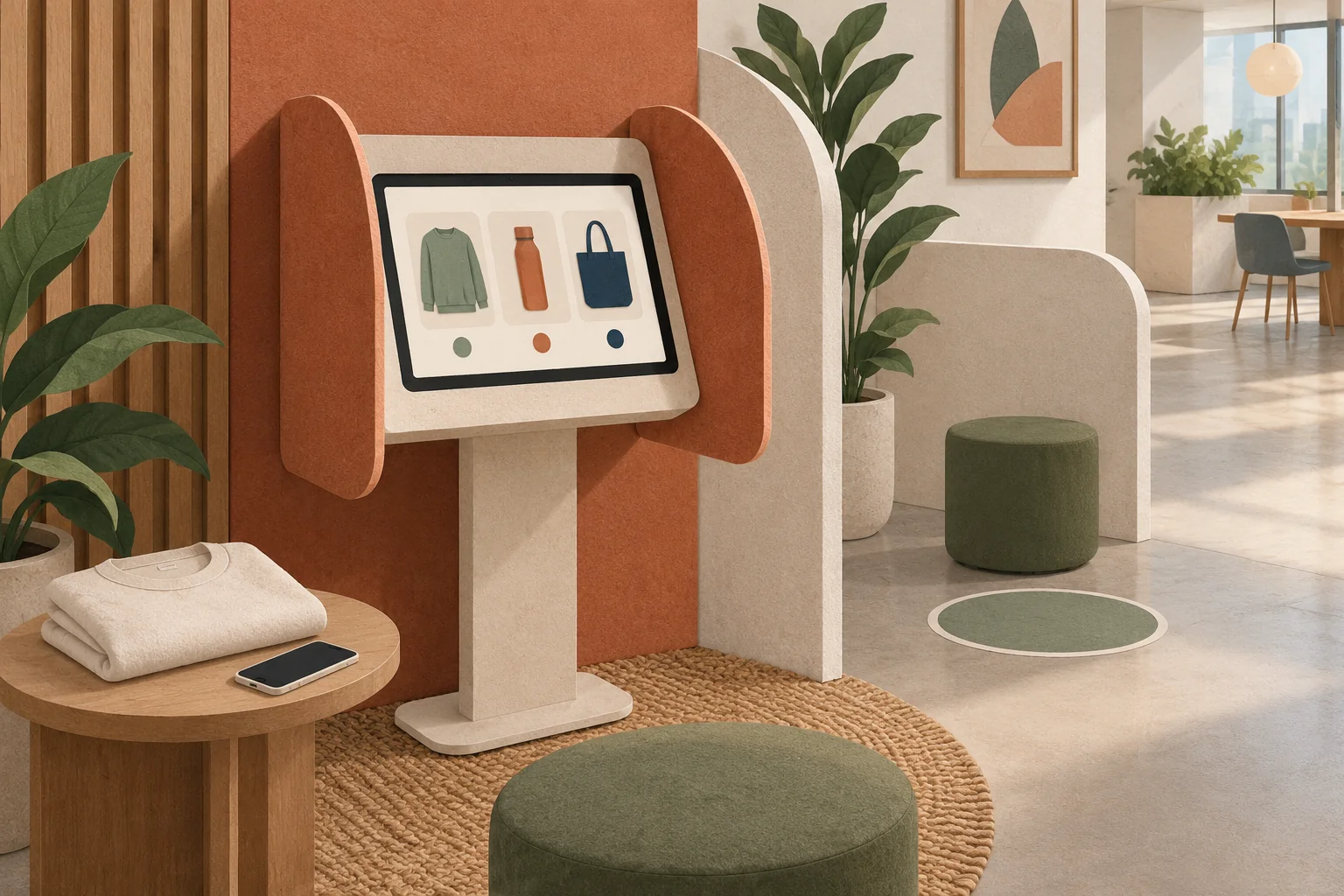
Use personal-device ordering when employees can and want to use it, a managed kiosk when they need independent access at work, and private assisted checkout when neither route works. A shared tablet is not ready simply because the store loads. It is ready only when one employee can finish—or walk away—and the next person cannot see their account, address, cart or confirmation.
For warehouses, manufacturing sites and other teams without a desk for every employee, the decision is about access and the handoff between people. A QR poster solves discovery, not necessarily sign-in. A kiosk supplies hardware, not necessarily privacy. A supervisor taking orders supplies help, but can accidentally take choice away.
Brand Sauce publishes this guide from an employee-gifting and company-store perspective. The controls below are recommended requirements to test with your IT team and provider, not claims that every Brand Sauce program or commerce platform includes kiosk functionality. Primary documentation was checked October 5, 2026.
Choose the ordering route before choosing the device
Map the actual task: reach the collection, establish eligibility, select an item and size, confirm delivery details, submit once and receive a private confirmation. Ask representative employees to try it on the devices and network they would really use. A successful demonstration by an administrator with unrestricted access is not enough.
| Route | Good fit | Constraint to resolve |
|---|---|---|
| Personal phone with QR code and readable link | Employees have a usable device and choose to use it | Connectivity, sign-in access and an alternative for people without a suitable phone |
| Managed shared kiosk | Employees need independent ordering at the workplace | Private placement, session reset, accessible operation and local support |
| Private assisted order | A person needs help or cannot complete either digital route | Authorized operator access, employee review and a record of the actual recipient |
A mixed approach is often more practical than declaring a single channel mandatory. Keep the assortment, funded allowance and deadline consistent across routes. Assistance should not mean receiving the leftover item or losing the option to decline.
For a broader review of the ordering journey, use our accessible employee gift selection guide. This guide adds a different acceptance test: what remains on the device when the next person arrives?
Check how employees will actually sign in
Before buying kiosk hardware, identify every dependency in the sign-in process. Does the employee need access to work email, a personal inbox, an authenticator or an existing company login? Can they reach that dependency on their shift without signing into another personal account on the shared machine?
For example, Shopify customer accounts documentation describes passwordless sign-in using a six-digit code sent by email. It also says signed-in account information can populate checkout and that sign-in sessions can persist for up to 365 days. Those are documented platform behaviors, not a statement about your particular store configuration. They illustrate why passwordless does not mean suitable for unattended shared use without additional controls.
If retrieving the code requires opening a private inbox on the kiosk, the program has created a second sign-out problem. Prefer a provider-supported access route that employees can complete without borrowing a manager’s identity or leaving an inbox open. If that is not available, use an authorized assisted route instead of improvising shared credentials.
Keep eligibility separate from access to the storefront. A public collection link can help someone browse without granting a gift entitlement. A reusable campaign code can fund an order without proving who is using it. See our comparison of shared gift codes and individual redemption links before putting an entitlement-bearing code on a communal poster.
Specify the next-person handoff as a launch requirement
Give IT and the store provider an outcome, not just the instruction “use incognito.” After the employee finishes or abandons the session, a fresh visitor must not inherit their identity or personal information. Ask the responsible teams to demonstrate how that outcome is achieved across the storefront, identity service and any checkout service involved.
Mozilla’s Private Browsing documentation explains that Firefox does not retain private-session form entries for autocomplete and discards private-session cookies when that session ends. But downloaded files, newly saved passwords and bookmarks can remain. Private browsing also does not make activity invisible to the employer or website. It is therefore a browser feature to evaluate, not a complete shared-device operating policy.
Define a visible finish action and an abandoned-session response. Returning to the store homepage is not, by itself, evidence of logout. Neither is hiding the confirmation behind another tab. The acceptance test is whether the next person can recover the previous account or details using ordinary navigation.
- Account: the previous recipient’s orders, profile and saved addresses are no longer accessible.
- Checkout: no prior shipping details, selected payment method or recipient-specific allowance is carried forward.
- Browser: back navigation, restored tabs, autocomplete and downloads do not expose the previous person’s information.
- Other services: any identity or email session used during ordering has a verified end state.
- Restart: closing, reopening or rebooting the device does not restore the last employee’s active session.
These are acceptance criteria for your managed environment, not instructions to disable security settings. Have IT own the device configuration and the supplier own its application behavior. If neither can demonstrate the combined handoff, do not operate that configuration as an unattended kiosk.
Protect abandoned sessions without racing active employees
A very short timeout can interrupt someone reading a size chart or checking an address. A very long unattended session can expose their details to the next visitor. Resolve both problems through design and testing rather than choosing an arbitrary countdown.
W3C’s guidance on timing adjustment describes ways to turn off, adjust or extend content-imposed time limits, with specified exceptions. Its kiosk discussion recognizes the risk of people walking away and describes warning the user and allowing sufficient time to indicate that they are still present. Security-related timing does not automatically remove the need to consider accessibility.
Ask the provider to show the warning, how someone requests more time, what happens if they do nothing and what happens to an order submitted at the boundary. Test with keyboard navigation and enlarged text, not only a quick tap on the default screen. Treat the content deadline for the gift campaign separately from the device’s inactivity behavior.
Do not keep private information visible indefinitely to avoid losing progress. If the store cannot safely support a longer assisted session, offer a different approved route. Explain how the employee can recover from interruption without guessing whether an order was placed.
Design the physical station around privacy and queues
Place the screen so that waiting colleagues do not face the address form. Provide enough separation for someone to select a clothing size or ask a question without an audience. Check seated use, reach, screen glare and the available input method. A locked-down device that is physically awkward still fails the task.
Keep browsing information outside the signed-in stage where practical. A printed assortment overview or sample table lets employees consider options before occupying the kiosk. Do not display recipient lists, remaining personal allowances or identifiable order confirmations beside the device.
Illustrative capacity calculation, not measured performance: if a complete order and reset take six minutes, one station has a theoretical ceiling of ten completed sessions per hour. Forty employees arriving in a 30-minute shift-change window exceed that capacity: one station could handle only five sessions in that window under those assumptions. Extra reading time, assistance and technical problems reduce throughput further.
The answer need not be eight tablets. Spread access across suitable windows, keep the personal-device route available and give assistance its own appointment or support process. Confirm arrangements with site operations so participation does not depend on everyone arriving at the same moment.
Make assistance a separate, authorized workflow
An assistant should help the employee make a choice, not silently choose for them. Use a provider-supported operator process with appropriate permissions. Do not ask the employee to disclose a password or verification code to a supervisor so the supervisor can impersonate them later.
Before submission, show or read back the product, variant, decoration where relevant, delivery destination and any amount the employee would pay. Obtain their confirmation through the approved process. Record the intended recipient distinctly from the person who entered the order so fulfillment and support do not mistake the manager for the gift recipient.
Keep address handling private and minimal. If a site-delivery option eliminates the need for a home address, explain that option without forcing it on everyone. Our home-versus-office delivery guide covers the receiving and pickup tradeoffs. Avoid turning a convenient handwritten order sheet into a public list of addresses and clothing sizes.
Give the employee a private confirmation route they can actually use. If the confirmation is delayed, the assistant should check the supported order record before submitting again. A missing message is not proof that the first order failed.
Run this two-person pilot before opening the station
Use fictional recipient accounts and test addresses approved for testing. One tester plays employee A; the next plays employee B without sharing credentials. Keep the test record limited to what is necessary to diagnose a failure.
| Test | Pass condition | Owner to involve |
|---|---|---|
| A completes checkout and finishes | B begins with no access to A’s identity, address, allowance or order | IT and store provider |
| A walks away on the address screen | Approved inactivity handling clears access; B cannot resume A’s private task | IT and store provider |
| A needs more time | The warning and supported extension can be understood and operated | Accessibility and store teams |
| Network fails after submission | Support can establish order status without creating a duplicate | Program support |
| B cannot access the required inbox | A private authorized alternative preserves B’s choice | Program owner |
| The device restarts between employees | No previous recipient session or personal file reappears | IT |
Document the device, browser, configuration, test date and responsible owners. Repeat the relevant tests after changes to login, checkout or kiosk configuration. A failure involving another recipient’s information is a reason to pause the affected route and use the approved alternative, not a reason to tell employees to be more careful.
Ordering access does not decide the production model
A kiosk can collect individual choices for on-demand production, a time-limited bulk preorder or a hybrid program. Choose production separately. On-demand can suit variable participation and recurring recognition, but it still needs confirmed product availability and delivery expectations.
A bulk run can make sense for a known quantity and fixed event date, especially where the selected product or decoration has minimums. A hybrid might combine individually selected apparel with stocked non-sized gifts. In every case, clarify whether the kiosk records a request, places a confirmed order or reserves stock; those are different promises.
Frequently asked questions
Can we just leave the company store open on a tablet?
Only if the managed configuration passes the shared-device handoff tests. Loading the store successfully does not establish that accounts, checkout data or browser state are cleared between employees.
Should the kiosk offer employee-paid upgrades?
Only after the payment flow has been specifically reviewed and tested for shared use. A fully funded collection avoids asking people to enter payment details at the station. If upgrades are offered elsewhere, explain the difference before employees start.
Is a QR code enough for employees without desk access?
No. It helps people find a page, but they still need a suitable device, connectivity and a workable eligibility and checkout process. Publish a readable link and a private assistance route alongside it.
The final decision: approve the route that preserves independent choice and leaves a clean start for the next employee. If that cannot be demonstrated, use the supported personal-device or assisted route while the kiosk issues are resolved.